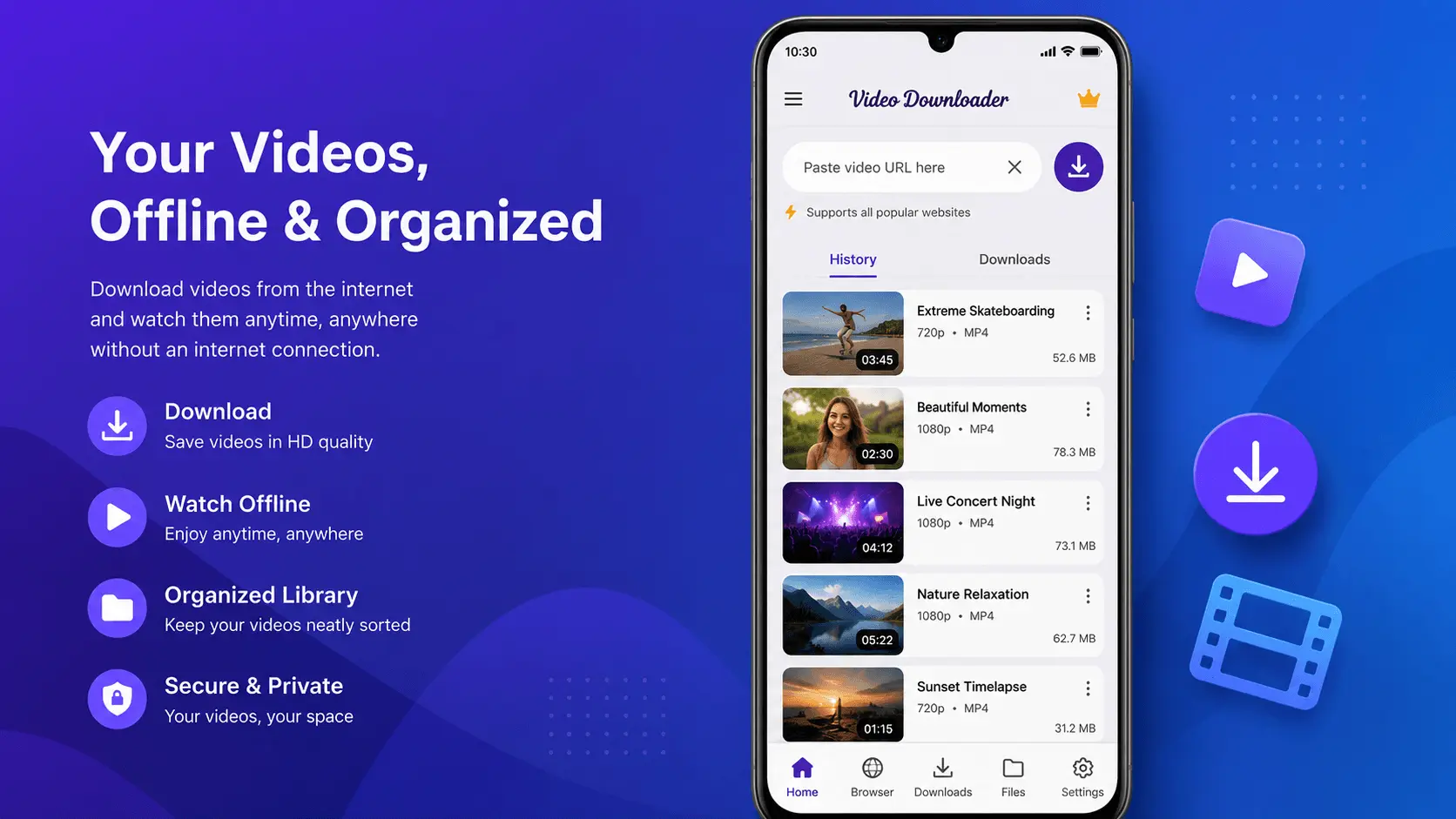
Imagine you're traveling, commuting, or in an area with limited internet access. Streaming videos repeatedly isn't always practical, and mobile data may not always be available. Having important videos available offline can make your mobile experience much more convenient.
Whether you're saving educational content for later study, personal recordings you've shared across devices, or other media from supported sources that you're allowed to access offline, organizing your videos properly helps you enjoy them whenever you need them.
In this guide, we'll explore practical ways to manage videos for offline viewing, keep your storage organized, and improve your overall Android experience.
Table of Contents
- Why Offline Video Access Is Useful
- Understanding Supported Video Sources
- Organizing Your Video Library
- Choosing the Right Video Quality
- Managing Storage Space
- Tips for Better Offline Viewing
- Common Mistakes to Avoid
- Frequently Asked Questions
Why Offline Video Access Is Useful
Offline access provides flexibility and convenience in many everyday situations. Instead of relying on a stable internet connection, users can access saved content whenever it's needed.
Some common situations include:
- Watching educational materials during travel
- Accessing training videos without internet connectivity
- Reviewing presentations or personal recordings
- Reducing repeated data usage
- Preparing media before long trips
Offline access also helps reduce buffering issues and provides a smoother viewing experience in areas with slower network connections.
Understanding Supported Video Sources
Not every online video should be saved for offline use.
Always ensure that you only save videos from supported sources and that you have permission or the legal right to access the content offline.
Examples include:
- Your own uploaded videos
- Publicly accessible content where offline access is permitted
- Educational resources that allow downloading
- Company training materials
- Personal cloud storage videos
Respecting copyright, platform terms, and creator rights is important whenever managing online media.
Organizing Your Video Library
A well-organized video collection saves time and improves productivity.
Consider creating folders such as:
- Education
- Work
- Personal
- Travel
- Entertainment
Using descriptive filenames also makes searching much easier.
Choosing the Right Video Quality
Higher quality videos generally provide a better viewing experience but also require more storage space.
Consider:
- Available device storage
- Screen size
- Purpose of the video
- Battery usage
For everyday viewing, balanced quality often provides an excellent compromise between clarity and storage efficiency.
Managing Storage Space
As your offline collection grows, storage management becomes increasingly important.
Helpful practices include:
- Remove videos you no longer need.
- Organize folders regularly.
- Keep important content backed up.
- Review duplicate files.
- Monitor available storage.
Regular maintenance keeps your Android device running smoothly.
Tips for Better Offline Viewing
To improve your experience:
- Keep your media organized.
- Rename important files.
- Use folders for different topics.
- Regularly clean unnecessary files.
- Keep your applications updated.
- Back up valuable content.
Good organization makes offline viewing much more enjoyable.
Common Mistakes to Avoid
Many users overlook simple practices that can improve their experience.
Avoid:
- Saving unnecessary duplicate files.
- Ignoring available storage.
- Mixing personal and work videos.
- Forgetting to organize downloaded content.
- Allowing storage to become completely full.
A little organization goes a long way.
Conclusion
Offline video access can make everyday mobile usage more convenient by allowing you to enjoy your content without depending on a continuous internet connection. By organizing your library, managing storage effectively, and using supported sources responsibly, you can create a smoother and more enjoyable viewing experience on your Android device.
Whether you're preparing for travel, studying offline, or simply keeping important videos accessible, thoughtful organization and good media management habits will help you get the most from your Android device.