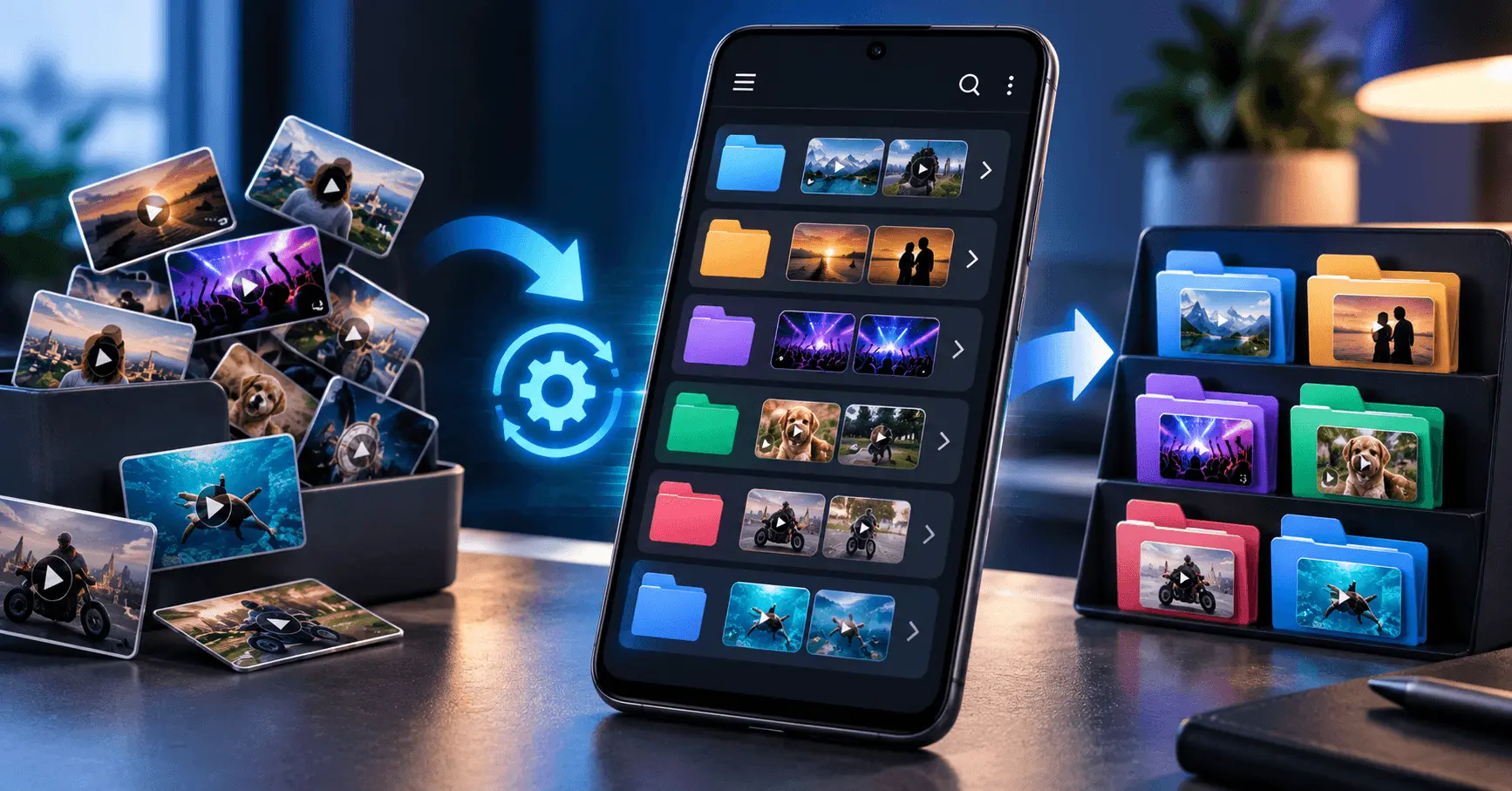
Downloading videos on Android is convenient, but managing a growing collection can quickly become difficult. When downloaded files are scattered across different folders or have unclear names, finding the right video can take unnecessary time.
A simple organization system can make your offline video library easier to browse and maintain. With suitable folders, consistent file names, automatic organization features, and regular storage checks, you can reduce manual effort and keep downloaded videos organized as your collection grows.
Application
Video URL Downloader
Category
Tips & Tricks
Reading Time
8–10 Minutes
Difficulty
Beginner
Why Automatically Organize Downloaded Videos?
A small number of downloaded videos may be easy to manage manually, but a larger collection can quickly become cluttered. Automatically placing files into suitable locations can reduce repetitive work and make your offline library easier to navigate.
Good organization also helps you identify older files, avoid unnecessary duplicates, and understand how much storage your video collection is using.
- Find downloaded videos more quickly.
- Keep related content together.
- Reduce unnecessary manual file management.
- Make storage cleanup easier.
- Keep your offline video collection consistent as it grows.
Start With a Simple Folder Structure
The foundation of an organized video library is a clear folder structure. Instead of keeping every downloaded video in one large folder, separate files according to categories that make sense for the way you use them.
Keep the structure simple. Too many folders can make navigation harder rather than easier. Choose a few meaningful categories and use them consistently.
Educational
Keep tutorials, lessons, courses, and reference videos together.
Entertainment
Separate videos saved primarily for offline entertainment and viewing.
Important
Keep videos that you expect to access regularly or need for a specific purpose.
Use Consistent File Names
File names become increasingly important when you have many downloaded videos. A clear naming pattern can help you understand what a file contains without opening it first.
If your downloader provides useful original file names, you may be able to keep them. Otherwise, rename important files using a short and consistent format that is easy to recognize.
Keep Names Simple
Avoid unnecessarily long names. Include the information that helps you identify the video quickly, such as its topic, series, or other useful distinguishing information.
Choose a Dedicated Download Location
Keeping downloaded videos in a predictable location can make automatic organization much easier. When all new downloads begin in a known location, you can apply the same organization process consistently.
Avoid spreading video files across multiple unrelated folders unless there is a specific reason to do so. A predictable location makes it easier to browse, back up, move, or remove downloaded content later.
Use Automatic Sorting When Available
Some Android file-management or downloader tools may provide options for automatically placing files into selected folders. When such features are available, configure them around the categories you already use instead of creating a complicated system.
Automatic sorting can reduce repetitive manual actions, but you should still review the resulting folders from time to time. Not every video will necessarily fit perfectly into a predefined category.
Keep Your Download Rules Consistent
An automatic organization system works best when the rules remain consistent. If you frequently change folders, naming patterns, or download locations, your collection can become difficult to manage again.
Decide where different types of videos should go and follow the same approach for future downloads. A simple system that you consistently use is usually more effective than a complicated system that requires frequent adjustments.
Organize Videos by Category
Categorizing downloaded videos is one of the simplest ways to keep an offline library manageable. Instead of treating every video as an individual file, group related content together based on how you normally use it.
The categories you choose should match your own viewing habits. For example, you could separate educational content, music, entertainment, tutorials, or videos saved for a particular project. Keeping the number of categories reasonable makes the system easier to maintain.
Group Similar Content
Store videos with similar topics or purposes together so you can locate related content quickly.
Avoid Too Many Categories
Use a small number of meaningful folders instead of creating a separate folder for every individual video.
Sort Videos by Download Date
Date-based organization can be useful when you frequently download new videos. Keeping track of when files were added can help you identify older content during future storage cleanup.
You do not necessarily need a separate folder for every date. Instead, use the file manager's sorting options when available to view recent or older files together. This keeps the folder structure simple while still making date-based management easier.
Let Your Downloader Use a Consistent Folder
If your video downloader allows you to select a download location, choose a dedicated folder and keep using it. A consistent destination makes new files easier to find and can simplify later organization.
Before changing the location, consider how your existing videos are arranged. Keeping the same basic structure for future downloads prevents your collection from becoming fragmented across unrelated locations.
A Simple Workflow
- Select a dedicated download folder.
- Download new videos into that location.
- Move or sort files into established categories when necessary.
- Review the folder periodically and remove unnecessary downloads.
Use File Manager Sorting Features
Android file managers commonly provide sorting options that can help you find downloaded videos without manually rearranging every file. Depending on the application, you may be able to sort files by name, size, date, or file type.
Sorting is especially helpful when your download folder contains many files. For example, sorting by size can help you identify large videos that may be using a significant amount of storage.
- Sort by name to find specific files more easily.
- Sort by date to review recent or older downloads.
- Sort by size to identify large video files.
- Filter by file type when you want to focus on videos.
Avoid Unnecessary Duplicate Files
Duplicate videos can make an organized collection unnecessarily large. They can also make it difficult to know which copy is the one you actually want to keep.
Before downloading a video again, check whether an existing copy is already available. If duplicates have accumulated over time, review them carefully before removing anything and keep the copy you actually need.
Before Downloading Again
Search your existing folders and confirm that the required video is not already stored.
During Cleanup
Review similar files and remove only copies or downloads that you no longer need.
Manage Large Video Files
Large videos can quickly consume Android storage, even when your folder structure is perfectly organized. Make storage management part of your regular video-library routine.
Use file-manager sorting or storage tools to identify particularly large downloads. If a video is no longer useful, removing it can free space for newer content.
Create an Automatic Cleanup Routine
Organization is easier when cleanup becomes a regular habit. Depending on the tools available on your Android device, you may be able to use storage-management features to identify large, old, or unnecessary files.
Automatic cleanup should be used carefully. Always review files before deletion when they may contain important videos. The goal is to reduce unnecessary manual work without accidentally removing content you want to keep.
Keep Your Offline Library Easy to Search
A good organization system should help you find a video quickly. Consistent folders, recognizable file names, and predictable download locations all contribute to a searchable offline library.
Avoid changing your organization method every few weeks. Once you find a simple structure that works for you, use it consistently for future downloads. Over time, this reduces the amount of manual sorting required.
Keep Downloaded Videos Organized Over Time
Automatic organization works best when your download system remains simple and consistent. Once you have established suitable folders, file naming habits, and a predictable download location, maintaining the collection requires much less effort.
Review your downloaded videos periodically and remove content you no longer need. This prevents the library from becoming cluttered and helps keep valuable storage available for future downloads.
Use Storage Tools to Find Unnecessary Videos
When your Android storage starts getting low, begin by checking which videos are using the most space. Large files can often be identified quickly through storage-management or file-manager features.
Instead of deleting files randomly, review your downloaded videos and remove only content that you no longer need. This keeps your offline collection useful while freeing unnecessary storage.
- Look for unusually large video files.
- Check older downloads that you no longer watch.
- Look for duplicate copies.
- Keep important offline videos before removing anything.
Avoid Mixing Downloads With Other Personal Files
Keeping downloaded videos in a dedicated location can make your Android storage easier to understand. When videos are mixed with photos, documents, screenshots, and other files, finding and managing them becomes more difficult.
A dedicated video location also makes future cleanup simpler. Instead of searching through unrelated files, you can focus on the folders that contain your downloaded videos.
Keep Automatic Organization Simple
The goal of automatic organization is to reduce repetitive work, not to create a complicated file-management system. Start with a few folders and rules that are easy to understand.
If your downloader or file manager provides automatic sorting, configure only the options that are genuinely useful. Review the results occasionally to make sure files are being placed where you expect them to be.
A Practical Organization System
- Use one predictable location for new video downloads.
- Separate videos into a few meaningful categories.
- Keep file names clear and consistent.
- Review large and old downloads regularly.
- Remove duplicates and videos you no longer need.
Best Practices for Automatically Organizing Videos
A reliable video organization system combines automation with occasional manual review. Automatic sorting can handle repetitive tasks, while periodic checks help correct files that do not fit your normal categories.
- Choose a dedicated download location.
- Create a small number of useful folders.
- Use consistent file names where necessary.
- Use automatic sorting features when your tools support them.
- Check storage regularly.
- Remove duplicate or unnecessary downloads.
- Review the organization system occasionally and simplify it if it becomes difficult to maintain.
Frequently Asked Questions
Conclusion
Keeping downloaded videos organized automatically does not require a complicated system. A dedicated download location, a few useful folders, consistent file names, and available automatic sorting features can reduce the amount of manual work involved.
Regularly checking storage and removing duplicate or unnecessary videos will also keep your offline library manageable. The best organization method is one that is simple enough to use consistently as your collection grows.
Keep Your Video Downloads Organized
Make downloaded video management easier with a simple, organized approach to saving and managing videos on Android.