Video URL Downloader
Tutorial
12 Minutes
Beginner
Online training has become an essential part of education, professional development, employee onboarding, and skill improvement. Many organizations now deliver internal courses, product demonstrations, compliance lessons, safety instructions, and educational material through private learning platforms. While online access is convenient, there are many situations where having authorized offline access to training videos can significantly improve productivity.
Employees may need training materials while travelling, field technicians often work in locations with unreliable internet connections, and students sometimes study in environments where continuous network access isn't available. Having training videos available offline allows learners to review important content without interruptions, provided they have permission from the organization or content owner.
This guide explains how to manage private training videos responsibly, prepare an organized offline learning library, maintain secure storage, and improve productivity while respecting copyright, licensing agreements, and company policies.
- What Are Private Training Videos?
- Benefits of Offline Training
- Who Can Benefit?
- Preparing Your Offline Library
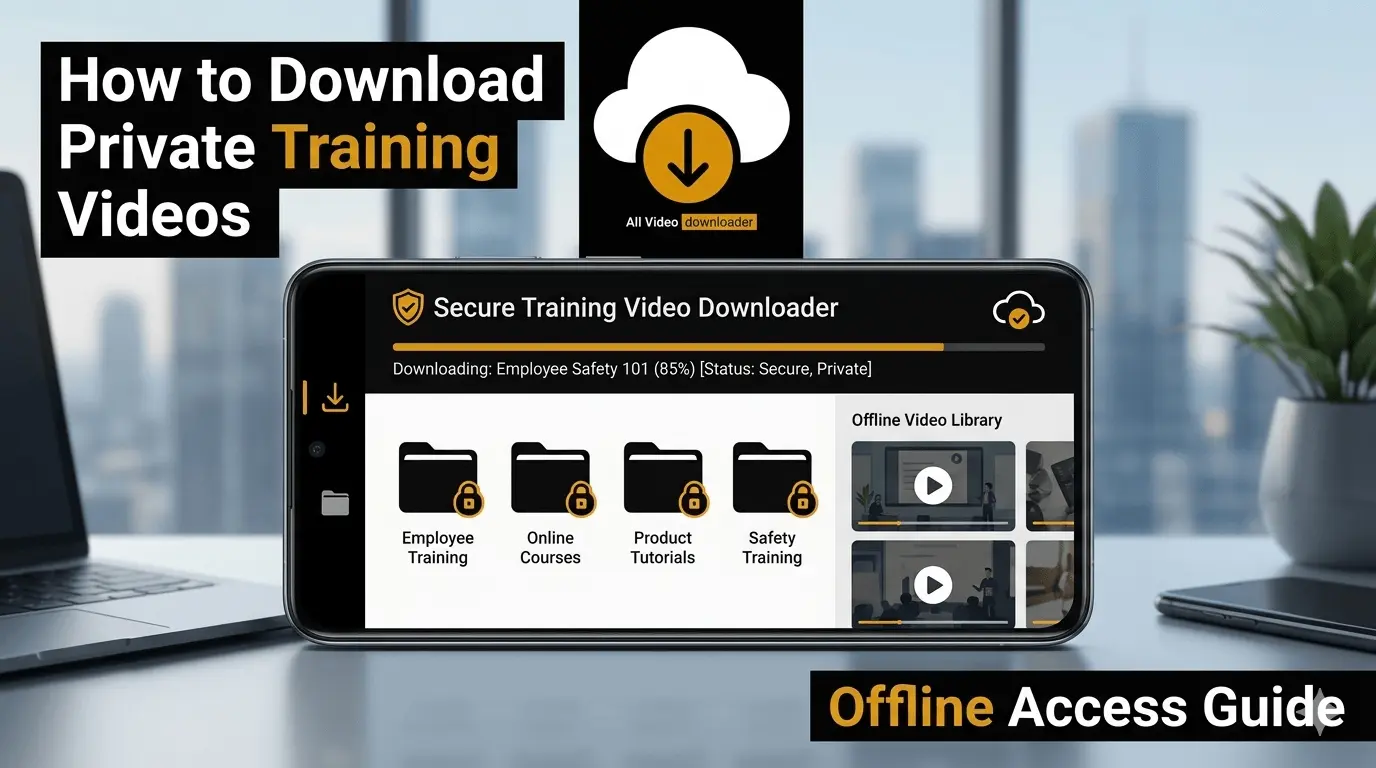
- Recommended Folder Structure
- Best Practices
- Frequently Asked Questions
What Are Private Training Videos?
Private training videos are instructional materials distributed within a controlled environment rather than being publicly available on the internet. They are commonly used by businesses, educational institutions, coaching organizations, healthcare providers, and technical teams to deliver structured learning content.
Access to these videos is generally limited to authorized users through employee portals, learning management systems (LMS), membership websites, or secure cloud platforms. In some cases, organizations explicitly allow offline access so learners can continue their training while travelling or working in areas without reliable internet connectivity.
Always ensure that offline downloading is permitted by the organization, instructor, or content owner before saving any training material.
Common Situations Where Offline Training Is Helpful
Offline access is valuable whenever internet connectivity is limited or uninterrupted learning is important. Instead of relying on a live connection during every lesson, authorized offline copies allow learners to continue studying at their own pace.
| Scenario | Benefit |
|---|---|
| Employee Onboarding | Complete orientation without depending on office internet. |
| Sales Training | Review presentations before client meetings. |
| Technical Support | Access repair tutorials while working onsite. |
| Professional Certification | Study course material during travel. |
| University Learning | Continue studying where network coverage is unavailable. |
Who Benefits Most from Offline Training Libraries?
While almost anyone can benefit from organized learning materials, offline access is especially valuable for professionals who frequently travel, field engineers working at remote locations, healthcare workers, teachers, corporate trainers, and students preparing for examinations. Having authorized course content available locally reduces dependence on internet connectivity and helps maintain a consistent learning schedule.
Business Teams
Access onboarding sessions, compliance training, product demonstrations, and company documentation while travelling or working remotely.
Students & Learners
Continue online courses, certification programs, and educational lessons even when internet access is unavailable.
Build an Organized Offline Training Library
Downloading training videos is only the first step. The real productivity benefit comes from organizing those files in a way that allows you to quickly locate the right lesson whenever you need it. An organized library saves time, reduces duplicate downloads, and helps learners stay focused on their training instead of searching through dozens of folders.
Whether you're managing five videos or hundreds of learning resources, creating a consistent folder structure from the beginning makes future maintenance much easier. This is especially useful for organizations that regularly update course materials or release new training modules.
Create your folder structure before downloading any videos. It only takes a few minutes but can save hours later when your learning library grows.
Recommended Folder Structure
Instead of saving every download into one folder, group videos according to their purpose. This makes navigation easier and keeps your learning resources well organized.
| Folder | Purpose |
|---|---|
| Employee Onboarding | Orientation and HR training. |
| Product Training | Internal product demonstrations and tutorials. |
| Sales Resources | Sales presentations and customer education. |
| Safety Training | Compliance and workplace safety videos. |
| Online Courses | Educational and certification programs. |
Use Clear File Naming Conventions
Poor file names quickly become confusing when your library contains multiple versions of similar training videos. Giving each file a consistent name makes searching much faster and reduces accidental duplication.
Recommended Format
Course Name

↓

Module Number

↓

Lesson Number

↓

Version

Example:

Safety_Training_Module03_v2.mp4
Keep Training Materials Updated
Training content often changes over time. Product features evolve, compliance requirements are updated, and new procedures replace older ones. Keeping outdated videos alongside current versions may create confusion for learners.
Whenever your organization publishes revised material, archive the older version or replace it with the latest approved training file. Maintaining version consistency helps ensure everyone learns from the correct information.
Archive Older Versions
Move outdated videos into an archive folder rather than mixing them with active learning resources.
Label Current Versions
Use simple version numbers or publication dates to identify the newest approved training material.
Protect Confidential Training Content
Many organizations include confidential business information, customer processes, internal procedures, or proprietary product demonstrations within their training material. Authorized offline access should always be handled responsibly to protect sensitive information.
| Best Practice | Reason |
|---|---|
| Lock your device | Protect company information. |
| Use trusted storage locations | Reduce risk of accidental deletion. |
| Avoid unauthorized sharing | Respect company policies. |
| Delete outdated confidential files | Reduce unnecessary exposure. |
| Follow organizational guidelines | Maintain compliance and security. |
Common Mistakes to Avoid
Even experienced users can make small organizational mistakes that become difficult to correct later. Following a few simple habits keeps your offline training library clean and efficient.
- Saving every course inside one download folder.
- Keeping duplicate copies of the same lesson.
- Using unclear or generic filenames.
- Ignoring updated versions of training videos.
- Sharing confidential learning material without permission.
- Deleting important files before creating backups.
Why an Organized Offline Training Library Improves Productivity
A well-organized offline training library helps learners spend more time learning and less time searching for course materials. Whether you're reviewing product demonstrations before a customer meeting, completing mandatory compliance training, or studying for a professional certification, having structured access to authorized training resources improves efficiency and reduces interruptions.
Offline access also provides flexibility. Team members working remotely, travelling between client locations, or operating in areas with limited internet connectivity can continue learning without depending on a constant online connection. This makes training more consistent and easier to complete on schedule.
Faster Learning
Access lessons immediately without waiting for internet connectivity.
Better Organization
Well-structured folders make training materials easy to locate.
Consistent Learning
Continue studying even when internet access is unavailable.
Checklist Before Downloading Training Videos
- ✓ Confirm you have permission to download the training content.
- ✓ Verify the training material is the latest approved version.
- ✓ Prepare a dedicated folder before downloading.
- ✓ Ensure enough storage space is available.
- ✓ Use clear and consistent filenames.
- ✓ Protect confidential company information.
- ✓ Remove outdated duplicate files regularly.
- ✓ Keep important learning resources backed up.
Conclusion
Offline access to private training videos can make learning more flexible, especially for employees, students, and professionals who frequently travel or work in locations with limited connectivity. When organizations permit offline access, maintaining a structured learning library helps improve productivity while ensuring important educational resources remain easy to locate.
The key to successful offline learning is organization. Clear folder structures, consistent file naming, regular version management, and responsible handling of confidential information all contribute to a better learning experience. By following these practices, you can create an efficient offline training library that supports long-term professional development without compromising security or compliance.
Frequently Asked Questions
Organize Your Learning Videos More Efficiently
Manage supported video downloads, keep your training library organized, and access authorized learning resources whenever you need them.