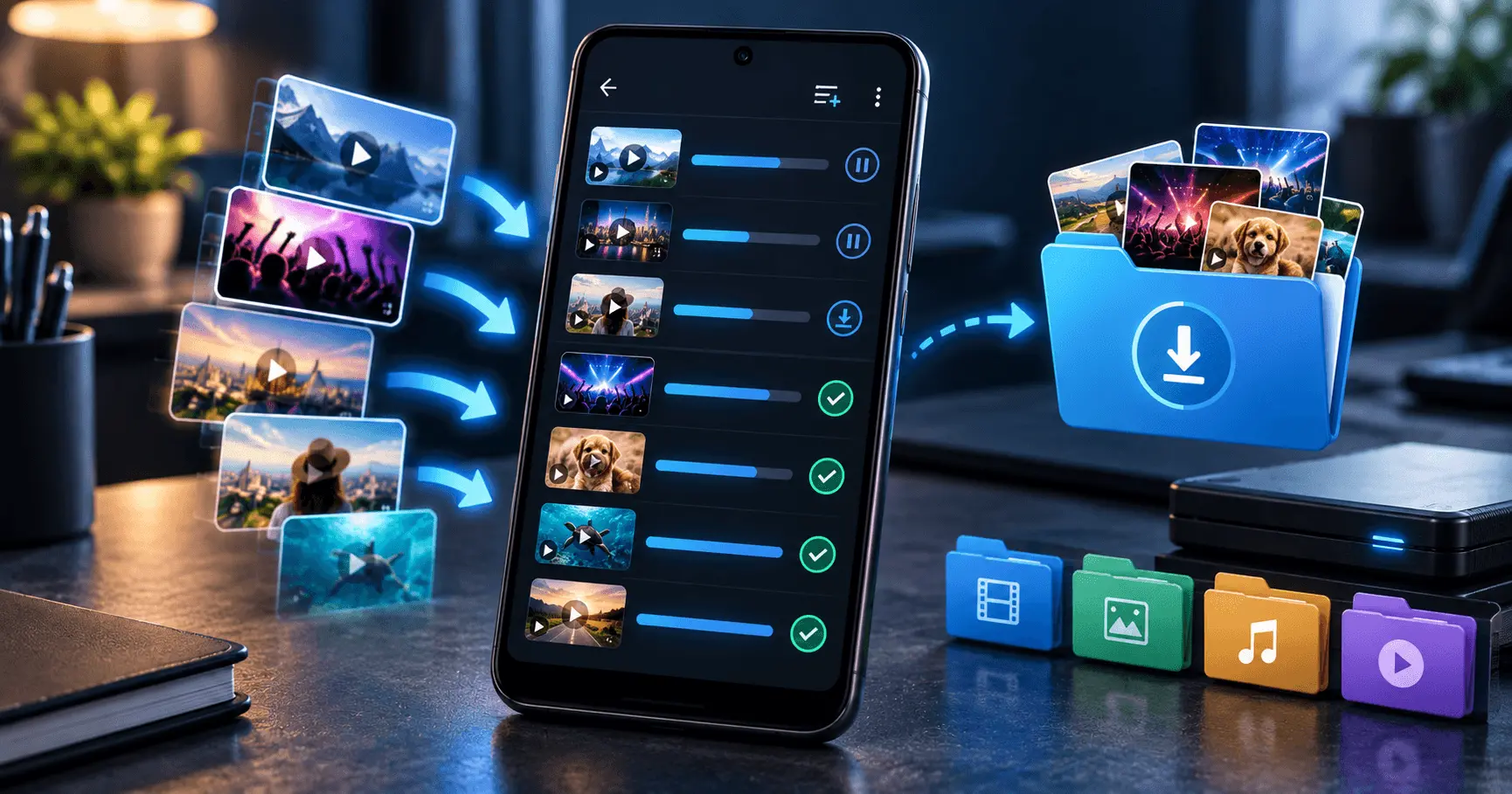
Downloading videos for offline viewing can be useful when you have limited internet access or want to keep selected content available on your Android device. However, downloading several videos at once can quickly become difficult to manage if files, quality settings, and storage are not planned properly.
Whether you are saving a few videos or building a larger offline collection, an organized approach can make the process more efficient. In this guide, you will learn practical ways to manage multiple video downloads on Android while keeping storage, organization, and download quality under control.
Application
Video URL Downloader
Category
Tutorial
Reading Time
8–10 Minutes
Difficulty
Beginner
Why Download Multiple Videos Efficiently?
Downloading one video is usually straightforward, but handling multiple files introduces additional considerations. Several downloads can consume storage quickly, use significant network bandwidth, and make it harder to find a particular video later.
A simple download strategy can help you avoid these problems. By deciding what you actually need, selecting suitable quality, organizing files, and checking available storage, you can build a cleaner offline video library on your Android device.
- Reduce unnecessary duplicate downloads.
- Keep downloaded videos easier to locate.
- Manage available phone storage more effectively.
- Choose video quality based on your actual needs.
- Avoid filling your device with videos you no longer watch.
Check Your Android Storage Before Downloading
Before starting multiple video downloads, check how much free storage is available on your Android phone. Video files can be considerably larger than images or documents, particularly when downloaded in higher resolutions.
If your available storage is already low, downloading a large batch can leave insufficient space for applications, temporary files, photos, and other important content.
A Simple Storage Check
- Open your Android device's Settings.
- Find the Storage section.
- Review available and used space.
- Decide how much storage you are comfortable using for offline videos.
Choose Video Quality Before Downloading
Video quality has a direct effect on file size. A higher-resolution video generally requires more storage, while a lower-resolution version can be more practical when your goal is simply offline viewing on a mobile display.
Instead of automatically choosing the highest available quality for every video, consider where and how you will watch it. For example, a resolution that looks good on your phone may be enough for everyday offline viewing.
Lower Quality
Useful when saving storage is more important than maximum image detail.
Balanced Quality
A practical choice for regular mobile viewing and larger offline collections.
Higher Quality
Better suited when image detail is important and sufficient storage is available.
Plan Your Downloads in Small Groups
If you need to download many videos, processing them in smaller groups can make the collection easier to manage. Instead of selecting a large number of unrelated files at once, organize downloads according to topics, channels, projects, or viewing priorities.
Smaller groups can also make it easier to notice failed downloads, unexpected file sizes, or storage problems before they affect the entire collection.
- Identify the videos you actually want offline.
- Group related videos together.
- Choose an appropriate quality for each group.
- Download and review the files.
- Continue with the next group only after checking storage.
Use a Stable Internet Connection
Multiple video downloads can consume a significant amount of network bandwidth. A stable connection can help reduce interruptions and make larger download sessions more predictable.
If your connection is limited or unreliable, consider downloading fewer files at a time. This can also make it easier to identify whether a problem is caused by the connection or by an individual video download.
Organize Videos Before Starting the Download
Downloading multiple videos becomes much easier when you already know where each file should belong. A simple organization plan can prevent a large collection of unrelated videos from becoming difficult to browse later.
Consider grouping videos by topic, purpose, or viewing priority. For example, educational videos can be kept separate from entertainment or reference content. This approach makes it easier to find specific files when you need them.
By Topic
Keep videos about the same subject together so related content is easier to locate.
By Purpose
Separate educational, reference, entertainment, or personal-use videos.
By Priority
Keep frequently watched or important offline videos easy to access.
Use Clear and Consistent File Names
When you download several videos, automatically generated file names can make the collection difficult to understand. Clear and consistent names can help you identify a video without opening every file.
If your downloader preserves useful original names, you may not need to rename everything. For files that require manual organization, use short descriptive names that make sense to you.
Simple Naming Example
Use names that identify the topic or video clearly instead of relying on random numbers or unclear abbreviations. Consistency becomes especially useful when your offline library contains many files.
Avoid Downloading Duplicate Videos
Duplicate files are one of the easiest ways to waste storage when managing multiple downloads. Before downloading a video again, check whether an existing copy is already stored on your Android device.
This is particularly important when collecting videos over a long period. Similar file names, different download folders, or repeated download attempts can make duplicate files difficult to notice.
- Check your existing video folders before downloading again.
- Remove copies that you no longer need.
- Avoid keeping multiple copies of the same video unnecessarily.
- Review large folders periodically to identify redundant files.
Decide Which Videos Need Higher Quality
Not every video in an offline library needs to use the same quality setting. A video that you watch casually may not need the same resolution as content where visual detail is important.
Choosing quality according to the purpose of each download can help you balance viewing experience and storage consumption. This becomes increasingly important as the number of downloaded videos grows.
When Storage Matters
Consider a more moderate quality when you want to keep many videos available offline.
When Detail Matters
Higher quality may be useful for videos where clearer visual details are important.
Monitor Download Progress
When downloading several videos, keep an eye on the progress of the downloads rather than assuming every file will complete successfully. Network interruptions, unavailable storage, or other device conditions can affect individual downloads.
Reviewing completed files after a batch can help you identify incomplete or unsuccessful downloads before moving on to a new group of videos.
- Start with a manageable group of videos.
- Check the download progress.
- Confirm that completed files are accessible.
- Resolve failed downloads before beginning another large batch.
Keep Downloads in Suitable Folders
A dedicated folder structure can make a large offline video collection much easier to navigate. Instead of keeping every downloaded file in one location, use logical folders that match the way you normally search for content.
Avoid creating an unnecessarily complicated folder hierarchy. The best structure is one that you can understand quickly and maintain without extra effort.
Consider Your Internet Data Usage
Multiple video downloads can consume considerably more data than downloading a single file. If your mobile plan has a limited data allowance, check your connection before starting a large download session.
When possible, use a suitable Wi-Fi connection for larger batches, particularly when downloading higher-quality videos. This can help prevent unexpected mobile data consumption.
Plan Large Downloads
Check the estimated file sizes, available storage, and network conditions before starting a large collection. A little planning can make multiple video downloads much more predictable.
Review and Clean Your Offline Video Library
A well-organized download collection needs occasional maintenance. After watching a group of videos, review the files and remove content you no longer need. This keeps your Android storage from gradually becoming filled with old downloads.
Regular cleanup is especially useful if you frequently download videos. Keeping only useful content makes it easier to find the videos you actually want when you are offline.
What to Do When a Download Fails
A failed video download does not always mean there is a problem with the entire download process. Temporary network interruptions, insufficient storage, or an issue with the source can affect an individual file.
Instead of repeatedly starting the same download, check your internet connection, available storage, and the video source first. If other videos download successfully, the problem may be specific to that particular video.
- Check that your internet connection is stable.
- Confirm that enough storage is available.
- Check whether the video source is accessible.
- Retry the download after resolving the likely issue.
Keep Your Offline Library Manageable
Downloading videos efficiently is not only about speed. A useful offline library should also be easy to browse, stored in sensible locations, and limited to content you actually want to keep.
A simple routine of checking storage, selecting suitable quality, organizing files, and removing unnecessary videos can keep the collection manageable as it grows.
Before Downloading
- Check available storage.
- Choose suitable video quality.
- Organize the videos you plan to download.
After Downloading
- Check that the files completed successfully.
- Keep files in suitable folders.
- Remove videos you no longer need.
Best Practices for Efficient Video Downloads
The easiest way to manage multiple video downloads is to make a few decisions before starting. Instead of downloading everything at the highest quality, consider the purpose of each file and the amount of storage you have available.
- Download only videos you genuinely want to keep offline.
- Check available storage before large download sessions.
- Select video quality according to your viewing needs.
- Organize related videos into logical folders.
- Avoid unnecessary duplicate files.
- Use a stable internet connection for larger downloads.
- Review your offline collection regularly and remove unnecessary content.
Frequently Asked Questions
Conclusion
Downloading multiple videos efficiently on Android is mainly about good planning and organization. Checking storage, selecting suitable quality, using a stable connection, and downloading manageable groups can make the process easier to control.
Once the videos are downloaded, clear folders and regular cleanup can help keep your offline library useful without unnecessarily consuming your device's storage. With a simple routine, you can build a well-organized collection that is easier to access whenever you need your videos offline.
Manage Your Video Downloads More Easily
Download and organize your videos on Android with a practical approach to offline video management.