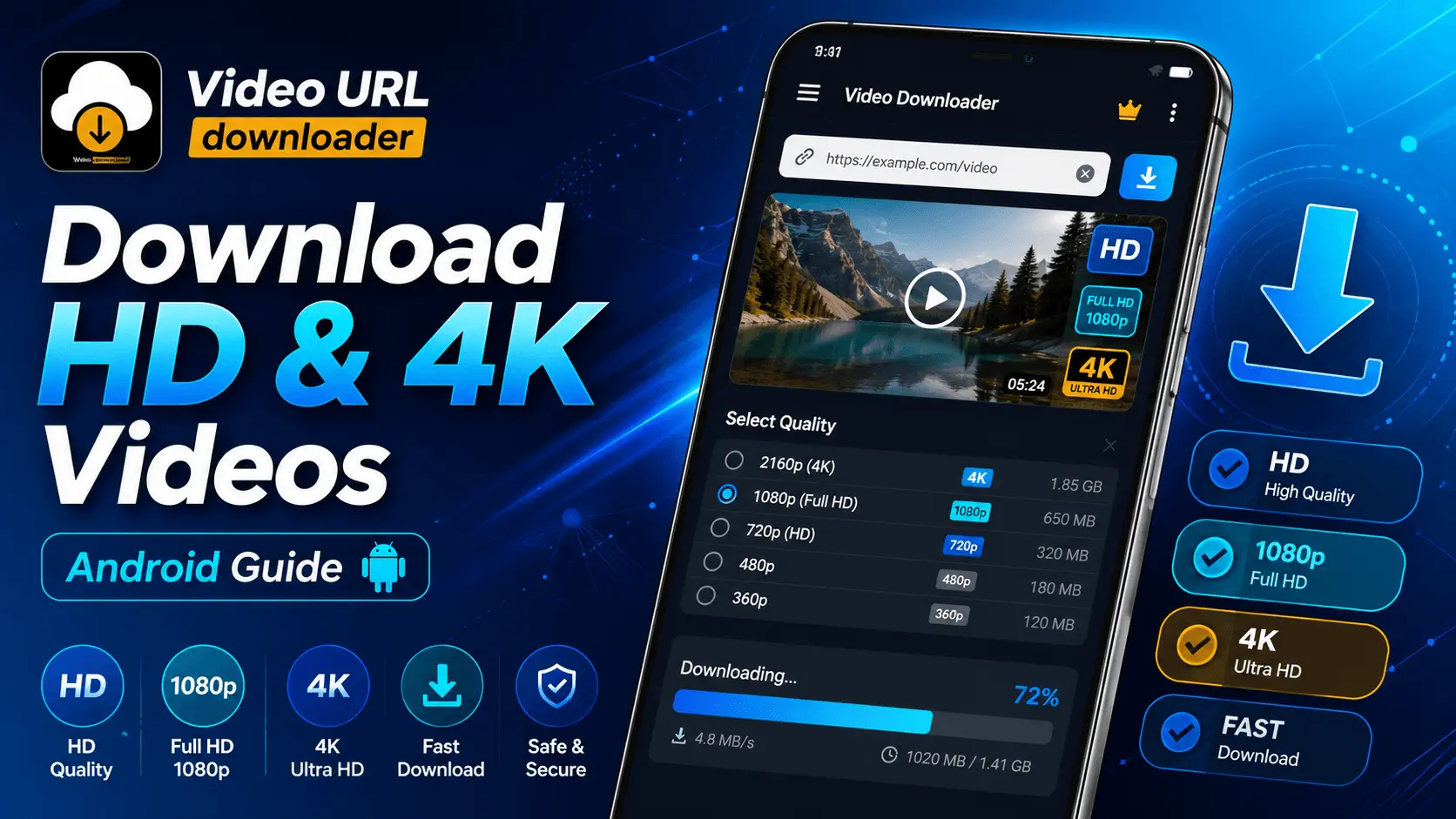
HD & 4K Downloads
Android
12 Minutes
Beginner
Watching videos in high resolution provides a better viewing experience, especially on modern Android smartphones with Full HD, Quad HD, and 4K displays. Whether you're saving videos for offline viewing during travel or building a personal media library, selecting the appropriate resolution can significantly affect image quality, storage usage, and download time.
Many users automatically choose the highest available resolution without considering their device, internet connection, or available storage. Understanding the differences between HD, Full HD, and 4K helps you make smarter decisions while downloading videos.
In this guide, you'll learn what each video resolution means, when higher quality is worthwhile, and how to choose the best option for your Android device.
- Understanding Video Resolution
- HD vs Full HD vs 4K
- Which Resolution Should You Choose?
- Storage Requirements
- Frequently Asked Questions
Understanding Video Resolution
Video resolution refers to the number of pixels displayed in each frame. More pixels generally produce sharper images with greater detail. However, higher resolutions also require more storage space and longer download times.
| Resolution | Common Name | Typical Quality |
|---|---|---|
| 854 × 480 | 480p | Standard Definition |
| 1280 × 720 | 720p | HD |
| 1920 × 1080 | 1080p | Full HD |
| 2560 × 1440 | 1440p | Quad HD |
| 3840 × 2160 | 4K UHD | Ultra HD |
HD vs Full HD vs 4K
Each resolution offers a balance between image quality, storage requirements, and download speed. The best choice depends on your device and how you plan to watch the video.
HD (720p)
Good quality with relatively small file sizes, making it suitable for most everyday viewing.
Full HD (1080p)
A popular balance between sharp visuals and manageable storage requirements.
4K UHD
Maximum detail for supported displays, with significantly larger file sizes.
Which Video Resolution Should You Choose?
The best resolution depends on your device, available storage, internet speed, and how you plan to watch the video. Choosing the highest quality isn't always necessary, especially if you're watching on a smaller screen.
| If You... | Recommended Resolution |
|---|---|
| Want smaller downloads | 720p HD |
| Watch videos every day | 1080p Full HD |
| Own a flagship phone | 1440p or 4K |
| Have limited storage | 720p |
| Watch on a TV or large display | 4K UHD |
Storage Space Comparison
Higher-quality videos require more storage space. The following estimates can help you decide which resolution best suits your available device storage.
| Resolution | Approximate Size (10 Minutes) | Storage Usage |
|---|---|---|
| 480p | 100–180 MB | Low |
| 720p | 250–450 MB | Medium |
| 1080p | 500 MB–1 GB | High |
| 1440p | 1–2 GB | Very High |
| 4K | 2–4 GB | Maximum |
Consider Your Internet Connection
Download speed plays an important role when saving high-resolution videos. Larger files naturally take longer to download, especially on slower mobile networks.
Mobile Data
HD (720p) often provides a good balance between quality and download size.
Home Wi-Fi
Full HD (1080p) is suitable for most users with stable broadband.
High-Speed Fiber
Large 4K downloads become much more practical with fast internet connections.
Benefits of Downloading High-Quality Videos
Better Viewing Experience
Higher resolutions produce sharper images with more visible detail, especially on larger displays.
Future-Proof Library
Saving videos in higher quality allows them to remain enjoyable even when viewed on newer devices later.
Better Offline Playback
Downloaded videos play consistently without buffering when no internet connection is available.
Improved Display Quality
High-resolution content looks especially impressive on OLED and modern flagship Android screens.
Tips for Choosing the Best Download Quality
- Choose a resolution that matches your phone's display.
- Keep enough free storage before downloading large videos.
- Use Wi-Fi when downloading very large files.
- Download higher resolutions only when you'll notice the difference.
- Organize downloaded videos into folders for easier management.
- Delete videos you no longer need to free storage space.
Conclusion
Downloading videos in HD, Full HD, or 4K on Android allows you to enjoy clearer visuals and smoother offline playback. The ideal resolution depends on your device's display, available storage, internet connection, and personal viewing preferences.
For most Android users, 1080p Full HD offers an excellent balance between image quality and file size. If your device has a high-resolution display and sufficient storage, downloading videos in 4K can provide even greater detail for compatible content.
By understanding video resolutions and selecting the most suitable quality for each situation, you can build an organized offline video library while making efficient use of your device's storage space.
Frequently Asked Questions
Download Videos in the Quality You Prefer
Save videos for offline viewing and choose the available resolution that best fits your device, storage, and viewing preferences.