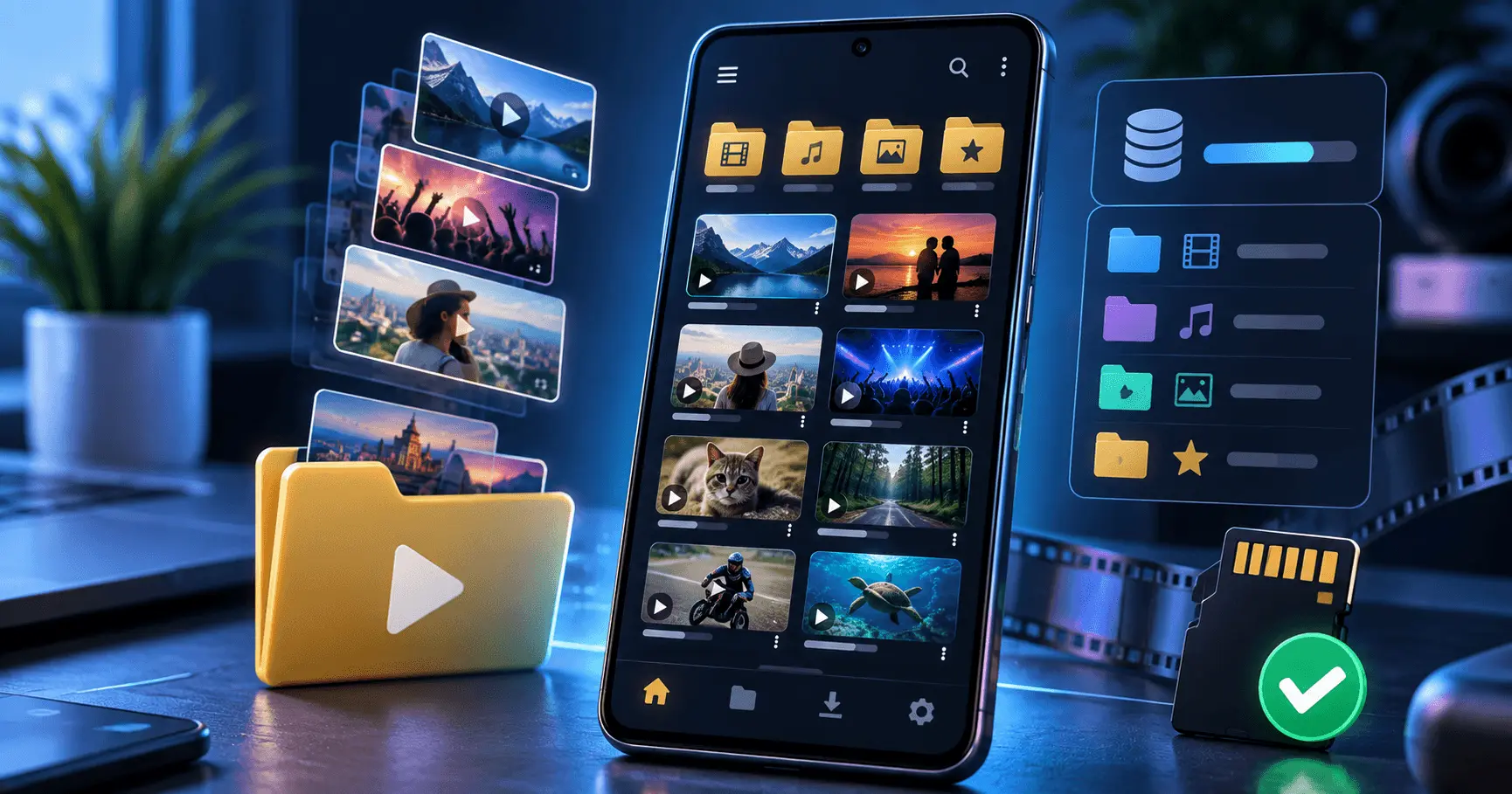
Downloading videos for offline viewing can be convenient, especially when you want to watch content without depending on an active internet connection. However, as the number of downloaded videos grows, finding a specific video can become difficult if everything is stored in one place.
An organized offline video library makes downloaded content easier to browse, manage, and remove when it is no longer needed. With a simple folder structure, meaningful file names, and regular storage management, you can keep your Android device much easier to navigate.
Video URL Downloader
Android Guide
10–12 Minutes
Beginner
Why Organizing Downloaded Videos Matters
A few downloaded videos are usually easy to manage. The problem starts when your Android storage contains dozens or hundreds of files from different sources. Without a consistent organization system, you may spend more time searching for a video than actually watching it.
An organized offline video library gives every downloaded file a logical place. Instead of relying on memory or scrolling through a long list, you can use folders and categories to find content quickly.
Organization also makes storage management easier. When you can clearly see which videos belong to a particular category or project, identifying files that are no longer required becomes much simpler.
Faster Video Discovery
A logical folder structure helps you locate downloaded videos without searching through every file on your Android device.
Easier Storage Management
Organized folders make it easier to identify large or outdated videos and decide which files can be removed.
Cleaner Offline Collection
Separating different types of downloaded content keeps your offline collection easier to browse and maintain.
Better Long-Term Organization
A consistent system continues to work as your video collection grows instead of becoming harder to manage over time.
Create a Simple Folder Structure
One of the easiest ways to organize an offline video library is to create folders based on the type of content you regularly download. The exact categories depend on how you use your Android device.
For example, you might separate educational videos, entertainment, music videos, tutorials, personal clips, and temporary downloads. Keeping the number of main folders manageable is important because too many categories can make organization complicated rather than easier.
Example Offline Video Categories
- Education: Tutorials, courses, lectures, and learning material.
- Entertainment: Videos saved for offline viewing.
- Music: Music-related videos and performances.
- Technology: Android, software, gadget, and technical tutorials.
- Personal: Personal videos or files that you want to keep separate.
- Temporary: Videos that you expect to watch or use only for a short period.
The goal is not to create a complicated filing system. Instead, create a small number of useful categories that match your actual downloading habits.
Use Meaningful Video File Names
Folder organization becomes even more useful when individual files have understandable names. Automatically generated filenames can sometimes make it difficult to recognize a video without opening it.
When appropriate, use short and descriptive names that help you understand the video's purpose at a glance. You can include a topic, title, or other useful identifying information.
Example Naming Approach
- Android-Storage-Tips
- DJ-Mixing-Tutorial
- Travel-Video-Guide
- Photography-Basics
Avoid making names unnecessarily long. A simple naming system that you can apply consistently is more useful than a detailed system that becomes difficult to maintain.
Separate Videos by Purpose
Another useful organization method is to separate videos according to why you downloaded them. This can be particularly helpful when your offline collection contains a mixture of entertainment, learning material, and temporary content.
For example, videos you plan to watch regularly can be kept separate from files downloaded for a one-time reference. This distinction can make periodic cleanup much easier.
If a video is only needed temporarily, placing it in a dedicated temporary folder gives you a clear reminder to review it later instead of allowing it to remain in your permanent collection indefinitely.
Organize Videos by Quality and Size
Video quality can have a major effect on how quickly your Android storage fills up. If your offline library contains videos in different resolutions, organizing them by purpose and size can make storage management easier.
High-resolution videos can require considerably more storage than lower resolution versions. For videos that you only need for casual offline viewing, keeping an unnecessarily large file may not always be useful.
Consider keeping higher-quality versions for videos where visual detail matters, while using smaller files when storage efficiency is more important. The right choice depends on your device storage and how you plan to use the video.
Lower Resolution
Useful when storage space is limited or the video is intended mainly for casual offline viewing.
HD Quality
A practical balance between image quality and file size for many everyday offline videos.
Higher Quality
Suitable when preserving more visual detail is important and enough storage space is available.
Keep Downloaded Videos in a Consistent Location
Moving downloaded videos between multiple unrelated folders can make your offline collection difficult to maintain. A consistent storage location makes it easier to understand where new files should go.
If your Android device supports multiple storage locations, such as internal storage and an SD card, decide which location should contain your main offline video collection. This can reduce confusion when looking for files later.
You should also avoid creating unnecessary copies of the same video in several locations. Duplicate files can consume valuable storage without adding any benefit to your library.
Use a Separate Folder for Temporary Downloads
Not every downloaded video needs to become part of your permanent collection. Some files are downloaded simply because you want to watch them once or use them for a short period.
Creating a temporary folder gives these files a dedicated location. You can review that folder periodically and remove videos that are no longer useful.
Why a Temporary Folder Helps
- Makes short-term downloads easier to identify.
- Reduces the chance of temporary files becoming mixed with important videos.
- Makes regular storage cleanup faster.
- Helps you decide which videos belong in your permanent library.
Review Your Offline Video Library Regularly
Even a well-organized video library can become cluttered over time. Regular reviews prevent unused downloads from consuming storage unnecessarily.
Set aside a few minutes occasionally to check your folders. Look for videos you have already watched, duplicate files, outdated downloads, and temporary content that is no longer required.
Simple Cleanup Checklist
- Remove videos you have already finished watching.
- Check for duplicate copies.
- Review your temporary downloads folder.
- Identify unusually large files.
- Move important videos into their appropriate category.
Check Available Android Storage
An offline video library should always be managed with available storage in mind. Video files can be significantly larger than documents or ordinary images, so a growing collection can eventually affect the amount of free space available on your device.
Check your Android device's storage settings periodically to understand how much space is being used. If video files occupy a large portion of the available capacity, review your collection before downloading more content.
Keeping some free storage available can also make everyday device management easier. Instead of waiting until storage is nearly full, regular cleanup helps prevent unnecessary accumulation.
Keep Important Videos Easy to Find
Some videos may be more important than others. Tutorials, reference material, personal recordings, or videos you expect to watch repeatedly deserve a more predictable location than temporary downloads.
You can create dedicated folders for frequently used content or place important videos near the top of your chosen folder structure. The objective is to reduce the number of steps required to find something you use regularly.
Avoid relying entirely on memory. A simple and consistent organization system works better when the library becomes larger.
Protect Your Offline Video Collection
Organization and storage management are important, but you should also think about which files are worth keeping permanently. If a video is important, consider whether you have another legitimate copy or backup available.
This is especially useful for personal videos or other files that would be difficult to replace. An organized library makes it easier to identify important content before performing a large cleanup or changing storage.
For downloaded online content, make sure your use of the video follows the applicable platform rules and copyright requirements. Downloading a file does not automatically change the rights associated with its content.
Create a Simple Routine for Managing Downloaded Videos
A well-organized offline video library does not require constant maintenance. A simple routine can keep your downloaded content manageable without taking much time.
After downloading new videos, place them in the appropriate folder and give them a recognizable name when necessary. Then, periodically review older downloads and remove content that is no longer useful.
- Download the video you need for offline use.
- Move or save it to the appropriate category.
- Rename the file if its original name is difficult to recognize.
- Move temporary content into a dedicated temporary folder.
- Review the library regularly and remove unnecessary files.
Avoid These Common Offline Video Organization Mistakes
Small organization mistakes can make a video collection difficult to manage as it grows. Avoiding them from the beginning can save time later.
Keeping Everything in One Folder
A single folder may seem convenient at first, but it can become difficult to browse when the number of videos increases.
Creating Too Many Categories
An overly detailed folder system can make it harder to decide where new downloads should be stored.
Ignoring Duplicate Files
Multiple copies of the same video can consume storage without providing additional value.
Never Reviewing Old Downloads
Videos that are no longer needed can gradually consume a significant amount of available Android storage.
A Practical Structure for a Growing Video Library
If you regularly download videos, a simple structure can help your collection remain organized as it grows. The following example can be adapted to your own needs.
Example Folder Structure
- Videos
- Education
- Entertainment
- Music
- Technology
- Personal
- Temporary
You do not need to copy this exact structure. The best folder system is one that reflects the types of videos you actually keep and makes them easy to locate later.
Make Your Offline Library Easy to Maintain
The best organization system is one that remains simple enough to use every time you download a new video. If sorting a file requires too many decisions, the system may eventually become inconsistent.
Start with a few broad categories and add additional folders only when there is a genuine need. Keep temporary content separate, review storage regularly, and avoid unnecessary duplicates.
This approach keeps your offline video collection easier to browse while also making storage cleanup more predictable.
Frequently Asked Questions
Conclusion
Building an organized offline video library on Android does not require a complicated system. A few broad folders, recognizable file names, consistent storage locations, and regular cleanup can make a large collection much easier to manage.
Keep permanent and temporary downloads separate, pay attention to file sizes, remove duplicates, and review your collection regularly. These simple habits can help you find videos faster while keeping unnecessary storage usage under control.
Keep Your Offline Videos Organized
Use a simple organization system to make your downloaded videos easier to find, manage, and enjoy offline.