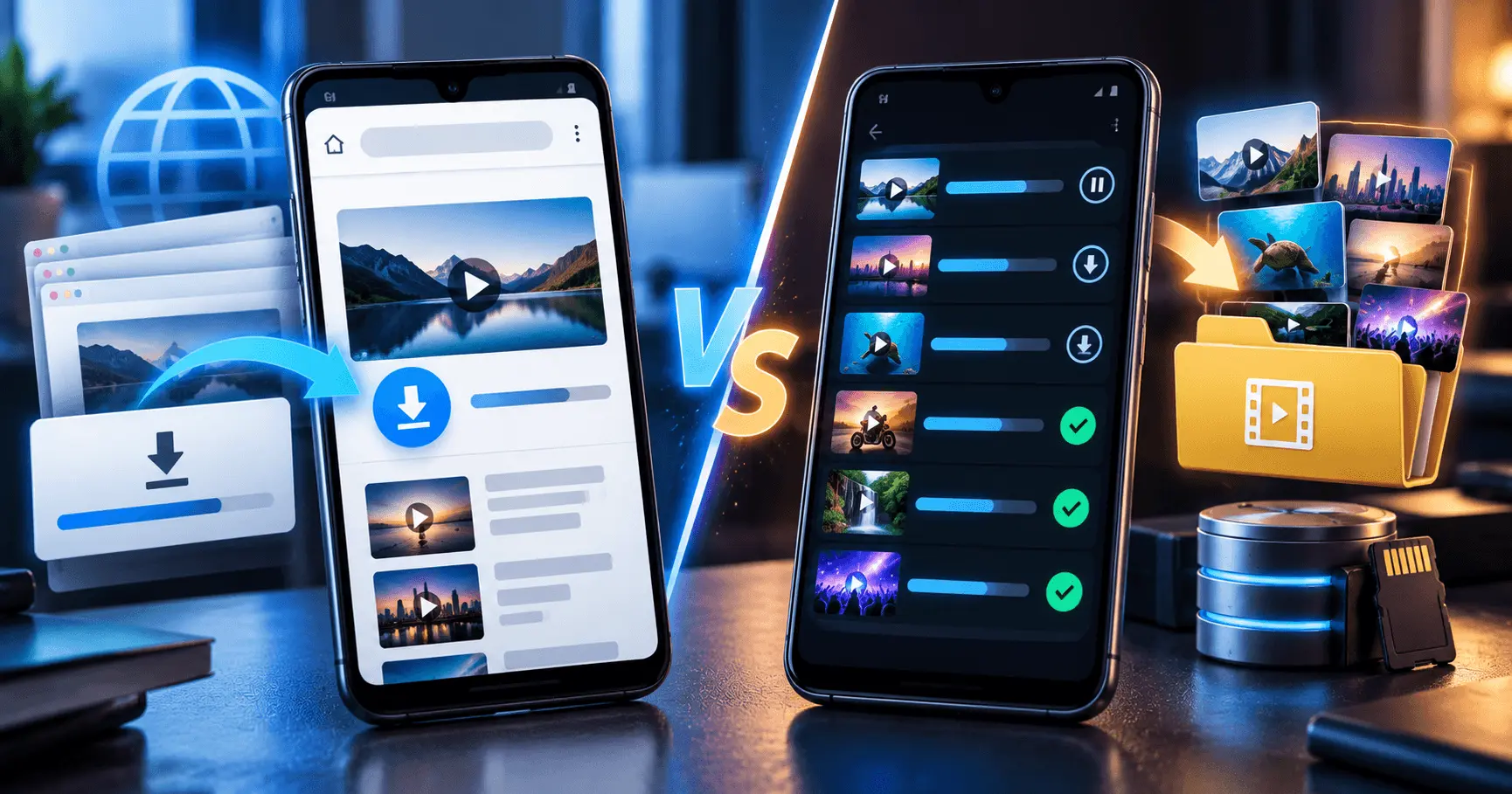
Choosing how to download videos on Android often comes down to two common options: using a web browser or using a dedicated video downloader app. Both approaches can be useful, but they offer different levels of convenience, download management, storage control, and offline access.
For occasional downloads, a browser may be enough. If you regularly save videos, manage multiple downloads, or need better control over downloaded files, a dedicated downloader app can provide a more convenient workflow.
Application
Video URL Downloader
Category
Comparison
Reading Time
8–10 Minutes
Difficulty
Beginner
Browser Download vs Video Downloader App
A browser is already available on almost every Android device, making it one of the simplest ways to access online content. Depending on the website and the type of content being offered, a browser may provide a download option directly.
A dedicated video downloader app is designed specifically around downloading and managing video files. Instead of treating downloading as a secondary browser function, the app can provide a workflow focused on download management and offline storage.
Browser Download
- Already available on most Android devices.
- Useful for occasional downloads.
- No separate downloader installation may be required.
- Works well when a website provides a suitable download option.
Video Downloader App
- Designed around downloading video files.
- Can provide dedicated download management.
- Useful for managing repeated downloads.
- Can make an offline video collection easier to organize.
When Browser Downloads Are the Better Choice
Browser downloads can be a practical choice when you only need to save a file occasionally. If a website already provides a direct and compatible download option, opening a separate application may not add much value.
A browser-based workflow can also be convenient when you are already viewing the content in the browser and the website provides its own download function. For simple tasks, fewer applications can mean fewer steps.
Browser Downloads May Suit You If:
- You download videos only occasionally.
- The website provides a direct download option.
- You do not need advanced download management.
- You want to avoid installing another application.
- You only need a small number of offline files.
When a Video Downloader App Is More Convenient
A dedicated video downloader can be more useful when downloading videos is something you do regularly. Having download-related features in one place can make repeated tasks easier to manage.
This can be particularly helpful when you are working with several files, large downloads, or an offline collection that needs regular organization. Instead of treating every download as an individual browser task, a dedicated application can provide a more focused workflow.
Frequent Downloads
A dedicated app can be more convenient when you regularly save videos for offline viewing.
Download Management
A focused download interface can make it easier to keep track of files and their progress.
Offline Library
Dedicated download workflows can be useful when you maintain a larger collection of offline videos.
Compare Download Convenience
Convenience depends largely on how often you download videos. A browser can be faster for a single simple download because there is no need to switch between applications. However, repeated downloads can become easier to manage when a dedicated app is designed specifically for that task.
The best choice is therefore not necessarily the option with the fewest steps for one download. Consider the complete workflow, including finding the content, starting the download, monitoring it, locating the file, and managing it afterward.
Occasional Download
For a single or occasional download, using the browser may be the simpler approach when a suitable download option is available.
Regular Download
For frequent downloads, a dedicated downloader can provide a more focused and repeatable workflow.
Download Management and Progress
Managing a download becomes more important as file sizes and the number of downloads increase. A browser may provide basic download information, while a dedicated downloader can place more emphasis on the download process.
For large files, being able to understand whether a download is still progressing can be useful. A dedicated download interface may make the status of active downloads easier to review, particularly when several files are being handled.
- Check whether the download is still progressing.
- Review active or completed downloads.
- Keep track of larger files.
- Locate completed files more easily.
- Review downloads before starting another copy unnecessarily.
Video Quality and Download Options
The available download options can differ between websites and browsers. When a website provides a direct download, the browser generally follows the options made available by that website.
A dedicated video downloader may provide a workflow that is more focused on handling downloadable video files. However, the actual quality and format options depend on the source and the capabilities of the application.
Browser
The available download format or quality usually depends on what the website exposes through its download functionality.
Downloader App
A dedicated app may provide a more focused interface for selecting and managing available video download options.
Storage Management on Android
The final location and size of downloaded videos matter regardless of whether you use a browser or a downloader app. Large video files can quickly consume available Android storage.
A dedicated downloader can be useful when you frequently download videos because you can build a predictable workflow around download locations and storage management. Browser downloads can also be managed effectively when you regularly review the browser's download folder.
Storage Tips
- Check available storage before downloading large videos.
- Use a predictable download location.
- Review older videos regularly.
- Remove files you no longer need.
- Avoid keeping unnecessary duplicate downloads.
Managing Multiple Video Downloads
When you only download one video at a time, either method may be sufficient. The difference becomes more noticeable when you regularly save several videos.
A browser can handle downloads through its built-in download system, but a dedicated downloader can make repeated download tasks easier to organize. The usefulness of this approach depends on the features provided by the specific application.
One Video
A browser may be perfectly suitable when you only need to download an occasional video.
Several Videos
A dedicated downloader can provide a more focused workflow when several downloads need to be managed.
Large Collection
A dedicated download and storage routine can make a growing offline library easier to maintain.
Offline Viewing and File Access
One of the main reasons users download videos is to keep them available for offline viewing. Once a video has been successfully downloaded, the important consideration becomes how easily you can locate and play the stored file.
Both browser downloads and dedicated downloader apps can result in locally stored files when the download is supported. A dedicated downloader may offer a more direct workflow for users who frequently build an offline video collection.
- Use a predictable storage location.
- Keep downloaded files organized.
- Check available storage regularly.
- Remove videos you no longer need.
- Keep important offline videos easy to locate.
Browser vs Downloader App: Ease of Use
Ease of use depends on your download habits. A browser has the advantage of familiarity because most Android users already know how to open websites, navigate pages, and access downloads.
A dedicated downloader may require an additional installation and setup, but that extra step can be worthwhile for people who download videos frequently. Once configured, a dedicated workflow can reduce repetitive actions.
Which Feels Easier?
| Need | Better Fit |
|---|---|
| Occasional download | Browser |
| Direct website download | Browser |
| Frequent video downloads | Downloader app |
| Regular download management | Downloader app |
| Growing offline collection | Downloader app |
Privacy and Permissions to Consider
Installing a dedicated downloader means adding another application to your Android device, so it is worth reviewing the application's permissions and privacy information before using it.
A browser also has its own permissions and privacy settings. Whichever method you choose, use trusted software and review what access an application requests. Avoid granting permissions that are unrelated to the task you expect the application to perform.
Before Installing an App
- Check the application's developer information.
- Review requested permissions.
- Read the available privacy information.
- Install applications from trusted sources.
When Using a Browser
- Use trusted websites.
- Pay attention to unexpected download prompts.
- Avoid suspicious files.
- Review downloaded files before opening them.
Choose the Right Method for Your Download Habits
There is no single option that is best for every Android user. The browser is convenient for occasional downloads and situations where a website already provides a suitable download option. A dedicated video downloader can be more practical for users who regularly download and organize videos.
Think about how often you download, how many files you normally manage, how important download organization is to you, and how much control you want over your offline library. These factors can help you choose the workflow that fits your needs instead of simply choosing the most feature-rich option.
How to Decide Between a Browser and a Video Downloader App
The simplest way to choose is to consider how you normally download videos. If downloads are occasional and the website already provides a suitable download option, a browser can be enough. If downloading is a regular activity, a dedicated downloader may provide a more convenient workflow.
Quick Decision Guide
- Choose a browser when you need occasional and simple downloads.
- Choose a downloader app when you frequently save videos.
- Consider a downloader app when download management is important to you.
- Consider your storage habits when building a larger offline video collection.
Browser Download vs Video Downloader App Comparison
The differences become easier to understand when the two approaches are compared across common Android download needs. The better choice depends on which features and workflow are most important to you.
| Feature or Need | Browser Download | Video Downloader App |
|---|---|---|
| Occasional downloads | Very convenient | Useful but may be unnecessary |
| Frequent downloads | Can work | More focused workflow |
| Download management | Basic | Designed around downloads |
| Multiple downloads | Depends on browser | Can be more convenient |
| Offline library management | Requires more manual organization | Can provide a dedicated workflow |
| Installation required | Usually no additional app | Yes |
Best Practices for Downloading Videos on Android
Regardless of the method you choose, a few simple habits can make video downloads easier to manage. Keeping your downloads organized and checking your storage regularly can prevent common problems.
- Download only content you have permission to save or that the source provides for download.
- Check available storage before downloading large video files.
- Use trusted websites and applications.
- Keep downloaded videos in a predictable location.
- Remove files that you no longer need.
- Review application permissions before using a dedicated downloader.
Frequently Asked Questions
Conclusion
Browser downloads and dedicated video downloader apps can both be useful on Android. A browser is often the simplest choice for occasional downloads, especially when a website provides a direct download option. A dedicated downloader becomes more attractive when you regularly save videos and want a more focused way to manage downloads.
Before choosing, consider your download frequency, storage needs, number of files, and preferred workflow. The best option is the one that makes it easier for you to download, organize, and access your offline videos while using trusted and appropriate sources.
Manage Your Video Downloads More Easily
If you regularly save videos for offline viewing, a dedicated video downloader can provide a more focused Android download workflow.