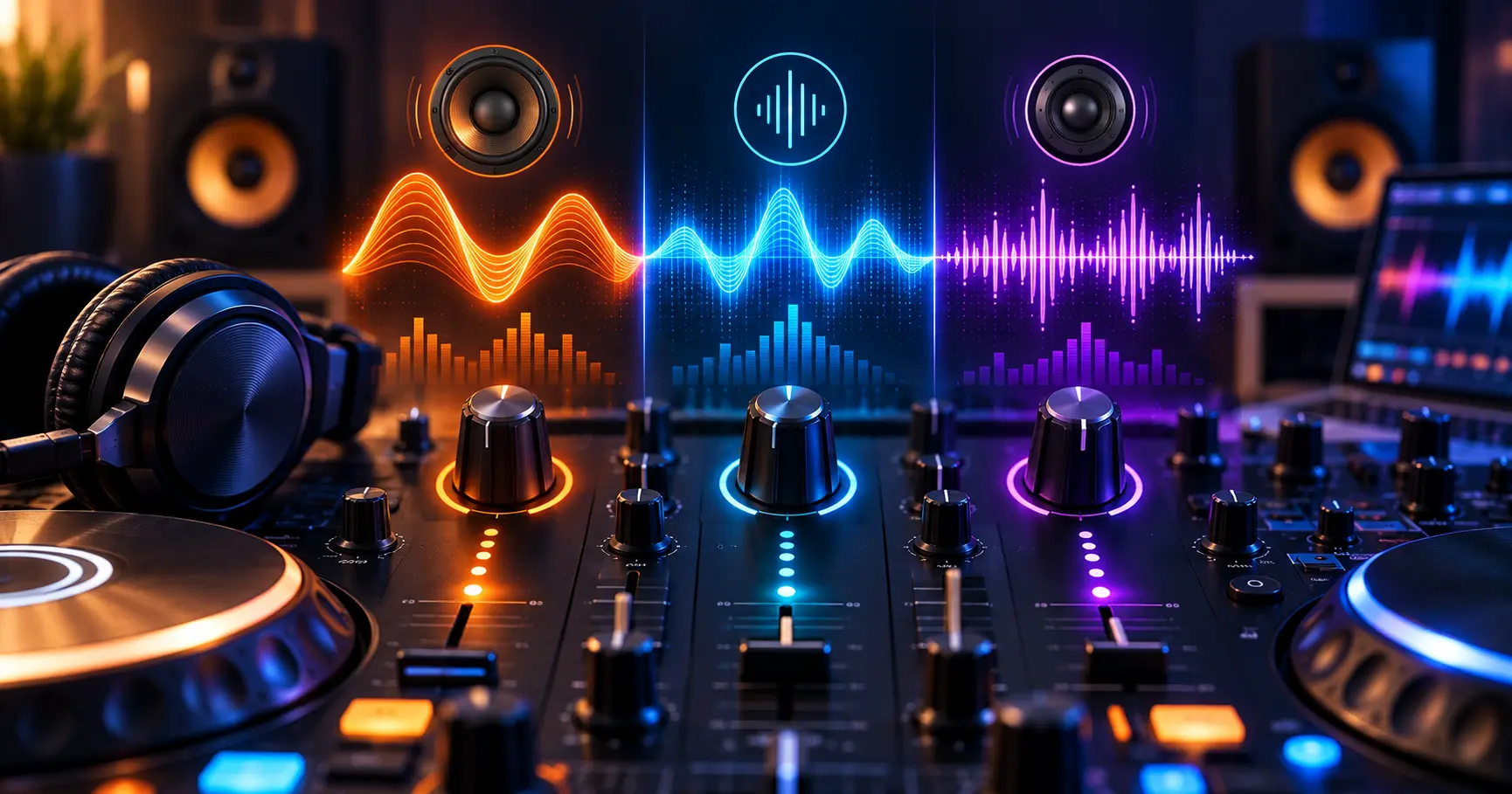
Equalization, commonly called EQ, is one of the most useful tools for shaping the sound of music. Whether you are listening to a DJ mix, creating a mashup, or adjusting a track for playback, understanding EQ can help you recognize why some sounds feel deep, clear, bright, or balanced.
The three basic areas most beginners encounter are bass, mid, and treble. These frequency ranges affect different parts of a song, from low-end drums and basslines to vocals, melodies, cymbals, and other high-frequency details. Understanding how each range works makes it easier to use EQ without making the mix sound muddy, thin, harsh, or unbalanced.
Application
DJ Remix – Music – Mashup
Category
Audio Guide
Reading Time
8–10 Minutes
Difficulty
Beginner
What Is EQ in Music?
EQ stands for equalization. It allows you to adjust the level of different frequency ranges within an audio signal. Instead of changing the volume of the entire song, EQ lets you change specific parts of its frequency spectrum.
For example, increasing low frequencies can make a track sound deeper, while reducing excessive low frequencies can make a mix feel cleaner. Similarly, adjusting mid frequencies can affect vocals and melodies, while treble adjustments can change the sense of brightness and detail.
The Three Basic EQ Areas
- Bass: Controls the lower-frequency part of the sound.
- Mid: Covers a large range where many vocals and instruments are prominent.
- Treble: Controls higher-frequency details and brightness.
Understanding Bass Frequencies
Bass refers to the lower-frequency portion of an audio signal. It contributes to the depth, weight, and punch that you hear in many types of music. Kick drums, basslines, and other low-frequency elements can contribute significantly to the bass content of a track.
When bass is balanced properly, a song can feel full and powerful. Too much bass, however, can make the overall sound muddy or overpower other elements of the mix.
Kick Drum
The lower part of a kick drum can contribute weight and impact to a track.
Bassline
Bass instruments often provide the low-end foundation that supports the rhythm and harmony.
Low-End Energy
Balanced low frequencies can give a mix depth without overwhelming vocals and other musical elements.
Understanding Mid Frequencies
Mid frequencies occupy a broad area of the audible spectrum and contain many of the sounds that make music recognizable. Vocals, guitars, keyboards, synthesizers, and other instruments can have important information in this range.
Because so many musical elements can share the midrange, this area often requires careful attention when mixing. Too much energy in overlapping mid frequencies can make a track sound crowded, while excessive reduction can make important instruments or vocals lose presence.
Why the Midrange Matters
- Vocals often rely heavily on the midrange for clarity and presence.
- Many melodic instruments contain important mid-frequency information.
- Too much midrange can make a mix sound crowded.
- Too little midrange can make a track feel distant or hollow.
Understanding Treble Frequencies
Treble refers to the higher-frequency portion of an audio signal. It can contribute brightness, definition, air, and detail to music. Cymbals, hi-hats, certain percussion sounds, and high-frequency components of vocals and instruments can contribute to this range.
A suitable amount of treble can make a mix sound open and detailed. Too much high-frequency energy, however, may make the sound harsh or uncomfortable, especially when the recording already contains strong high-frequency content.
- Can add brightness to a mix.
- Helps reveal high-frequency musical details.
- Can improve perceived clarity when used carefully.
- Excessive treble can make some sounds harsh or sharp.
How Bass, Mid and Treble Work Together
Bass, mid, and treble should not be treated as completely separate controls. They interact with each other to create the overall character of a song. Changing one frequency area can make another part of the mix seem more or less noticeable.
A balanced mix usually has enough low-end weight, clear midrange information, and suitable high-frequency detail. The exact balance depends on the song, recording, speakers or headphones, and the sound you want to achieve.
Bass
Provides depth, weight, and low-frequency energy.
Mid
Carries important vocals, melodies, and instrument information.
Treble
Adds brightness, definition, and high-frequency detail.
What Happens When You Increase Bass?
Increasing bass raises the level of selected low-frequency content. This can make drums and basslines feel stronger and give the track additional depth.
However, more bass does not always mean better sound. If the low frequencies become excessive, they can mask other elements and make the mix sound boomy or muddy. The result can also vary depending on the headphones, speakers, or other playback equipment being used.
When Bass May Need Attention
- The kick or bassline sounds excessively heavy.
- Vocals or melodies seem less clear after increasing bass.
- The mix sounds muddy or boomy.
- The low end dominates the rest of the music.
What Happens When You Increase Midrange?
Increasing midrange can bring vocals, melodies, and other central musical elements forward. This can make some parts of a recording appear more present and easier to hear.
Because many instruments share the midrange, excessive boosting can make the mix sound crowded. If several elements compete in the same area, careful adjustment may be more useful than simply increasing the entire midrange.
- Vocals may become more prominent.
- Melodic instruments can become more noticeable.
- Important musical details may become easier to hear.
- Too much midrange can make the overall sound feel crowded.
What Happens When You Increase Treble?
Increasing treble can make high-frequency details more noticeable. Hi-hats, cymbals, percussion, and other bright elements may become more prominent, which can give a track a more detailed character.
A large treble boost can also introduce an overly sharp or harsh quality. For this reason, high-frequency adjustments should be made carefully, especially when working with recordings that already contain strong high-frequency content.
Listen for Balance
Instead of focusing only on how much treble you can add, listen for whether the music remains comfortable and balanced. Small adjustments can often produce a more natural result than a large boost.
EQ Tips for DJ Mixing
EQ becomes particularly useful when combining two tracks. During a DJ mix, different songs can contain strong bass, vocal, and high-frequency elements at the same time. Adjusting these ranges can help manage the overlap between the tracks.
The goal is not to remove every frequency from one track. Instead, make controlled adjustments while listening to how the two tracks interact. Smooth changes are generally easier to manage than sudden and extreme EQ movements.
Manage Low-End Overlap
Pay attention when two tracks contain strong bass at the same time. Uncontrolled low-end buildup can make a transition sound crowded.
Protect Vocal Clarity
Avoid unnecessary midrange buildup when vocals from two tracks overlap during a transition.
Use Small EQ Adjustments
Beginners often make the mistake of using large EQ boosts because the difference is immediately noticeable. However, large changes can quickly make the sound unnatural or unbalanced.
Start with a small adjustment and listen to the result. If the desired change is not clear, make another small adjustment rather than moving the control to an extreme position immediately.
A Simple Listening Process
- Listen to the original sound first.
- Identify the frequency area that needs attention.
- Make a small adjustment.
- Listen again and compare with the original.
- Keep the change only if it improves the result you are trying to achieve.
EQ Mistakes Beginners Should Avoid
EQ is most useful when it solves a specific audio problem. Randomly boosting bass, mid, or treble can change the character of a song without actually improving the mix.
Over-Boosting Bass
Too much low-end energy can make the mix sound muddy and can reduce the clarity of other musical elements.
Over-Boosting Treble
Excessive high-frequency energy can make cymbals, vocals, and other details sound sharp or uncomfortable.
Ignoring the Midrange
Reducing too much midrange can make vocals and important musical elements lose presence.
Making Extreme Changes
Large EQ changes can make a track sound unnatural. Smaller adjustments are often easier to control.
Compare EQ Changes With the Original
One useful way to judge an EQ adjustment is to compare the modified sound with the original. This helps you determine whether the change actually solves the problem or simply makes the audio louder or more noticeable.
If your music app or mixing software provides an EQ bypass option, use it while listening. Switching between the original and adjusted versions can make unwanted changes easier to identify.
A Simple Comparison
- Listen to the original track.
- Apply a small EQ adjustment.
- Listen at a comfortable volume.
- Compare the adjusted sound with the original.
- Keep the adjustment only when it produces the intended result.
EQ for Different Listening Environments
The same EQ setting may not sound identical on every playback system. Headphones, phone speakers, Bluetooth speakers, studio monitors, and car audio systems can reproduce frequencies differently.
For this reason, avoid judging an EQ adjustment only from one playback device when working on a mix. Listening in more than one environment can help reveal whether the bass, midrange, and treble remain reasonably balanced.
- Check the mix on your primary headphones or speakers.
- Listen through another suitable playback device.
- Pay attention to excessive bass or harsh treble.
- Make adjustments based on the intended listening experience.
A Simple EQ Workflow for Beginners
You do not need advanced audio knowledge to begin experimenting with EQ. Start by listening carefully and identifying what you want to change. Then work with one frequency area at a time.
- Listen to the track without changing the EQ.
- Identify whether the issue is mainly in the bass, midrange, or treble.
- Make a small adjustment in the relevant range.
- Compare the result with the original sound.
- Check that vocals, instruments, and other important elements remain clear.
- Listen again on another playback device when possible.
Frequently Asked Questions
Conclusion
Understanding bass, mid, and treble gives beginners a practical foundation for working with EQ. Bass contributes low-end depth and weight, the midrange carries many important vocals and instruments, and treble adds brightness and high-frequency detail.
Good EQ is about balance rather than simply increasing every frequency range. By making small adjustments, comparing changes with the original, and listening on different playback systems, you can develop a better understanding of how EQ affects your music and DJ mixes.
Improve Your DJ Mixing Skills
Explore more practical DJ mixing and music tips to understand audio, transitions, effects, and mashup techniques on Android.