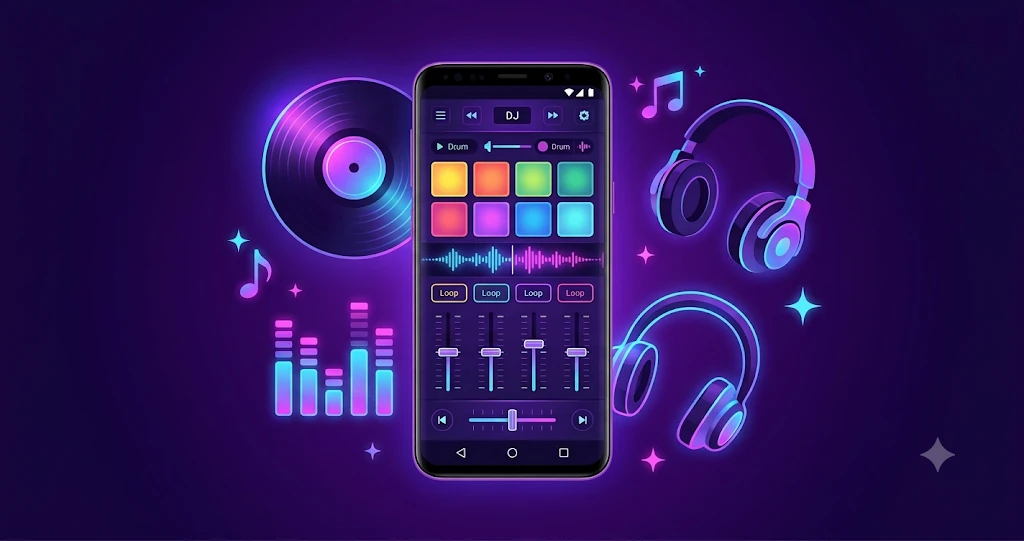
Application: DJ Remix – Music – Mashup
Category: Tutorial
Reading Time: 9–10 Minutes
Difficulty: Beginner
Music mashups have become one of the most enjoyable ways to express creativity. Thanks to modern Android devices, you no longer need expensive studio equipment to begin learning the basics of DJ mixing. With the right techniques and regular practice, anyone can start creating smooth transitions, experimenting with rhythms, and building original mixes.
This guide introduces the essential concepts every beginner should understand before creating a first mashup. Rather than focusing on complicated music theory, we'll cover practical techniques that help you improve step by step.
- What Is a Music Mashup?
- Why Android Is Great for Beginners
- Choosing Songs That Blend Well
- Understanding BPM
- Learning Smooth Transitions
- Practicing Every Day
What Is a Music Mashup?
A music mashup combines elements from two or more songs into a new listening experience. Some mashups blend vocals from one track with the instrumental section of another, while others focus on smooth transitions between similar songs. The objective is to create a mix that sounds natural rather than forced.
For beginners, the most important skill is not using dozens of sound effects. Instead, it is understanding rhythm, timing, and how different songs complement each other. These fundamentals provide a solid foundation for more advanced techniques later.
Why Android Is a Great Platform for Beginner DJs
Android smartphones have become powerful enough to handle music mixing, recording, and live audio effects. Mobile DJ applications provide intuitive touch controls, colorful performance pads, equalizers, loops, and sound effects in an interface that is easy to learn.
- Practice anywhere using your phone.
- Experiment without expensive hardware.
- Record practice sessions to review progress.
- Learn basic beat matching through interactive controls.
- Develop confidence before moving to advanced equipment.
Choosing Songs That Blend Naturally
Song selection is one of the biggest factors in creating a pleasant mashup. Beginners often choose songs with very different tempos or musical styles, making transitions difficult. Start with tracks that share similar BPM and energy levels.
| Recommended | Avoid |
|---|---|
| Similar BPM | Large tempo differences |
| Compatible genres | Conflicting rhythms |
| Clean introductions | Busy intros with many sounds |
Taking a few minutes to prepare your playlist before mixing often produces much better results than trying random combinations.
Understanding BPM (Beats Per Minute)
BPM, or Beats Per Minute, measures the tempo of a song. Matching songs with a similar BPM makes transitions smoother and helps your mixes sound more natural. While advanced DJs may intentionally mix tracks with different tempos, beginners should focus on consistency.
Learning Smooth Transitions
A transition is the process of moving from one song to another. A smooth transition keeps listeners engaged without sudden changes in volume or rhythm. Start with simple fade-in and fade-out techniques before exploring loops, filters, and advanced effects.
Basic Transition Techniques
- Volume fading between tracks.
- Crossfader control for smooth switching.
- Beat matching using similar BPM.
- Short loops to extend the outgoing track.
- EQ adjustments to reduce frequency clashes.
| Technique | Difficulty | Best For |
|---|---|---|
| Volume Fade | Easy | First-time beginners |
| Crossfader | Easy | Everyday mixing |
| Beat Matching | Medium | Smooth professional mixes |
| Loop Transition | Medium | Dance music |
Using DJ Pads Creatively
Performance pads allow you to trigger drum sounds, vocal samples, loops, and sound effects. Use them to add personality to your mix rather than filling every moment with effects.
- Create rhythmic patterns.
- Add short vocal samples.
- Trigger loops during transitions.
- Experiment with sound effects in moderation.
Practice Routine for Beginners
- Select two songs with similar BPM.
- Practice one transition repeatedly.
- Record the result.
- Listen carefully and note improvements.
- Repeat daily for 20–30 minutes.
Common Beginner Mistakes
- Using too many sound effects.
- Choosing songs with very different BPM.
- Ignoring volume balance.
- Skipping regular practice.
- Trying advanced techniques too early.
Conclusion
Creating your first music mashup on Android is an enjoyable way to explore music creatively. By learning BPM, selecting compatible songs, practicing smooth transitions, and improving a little every day, you can build confidence and develop your own mixing style. Start simple, practice consistently, and enjoy the learning process.