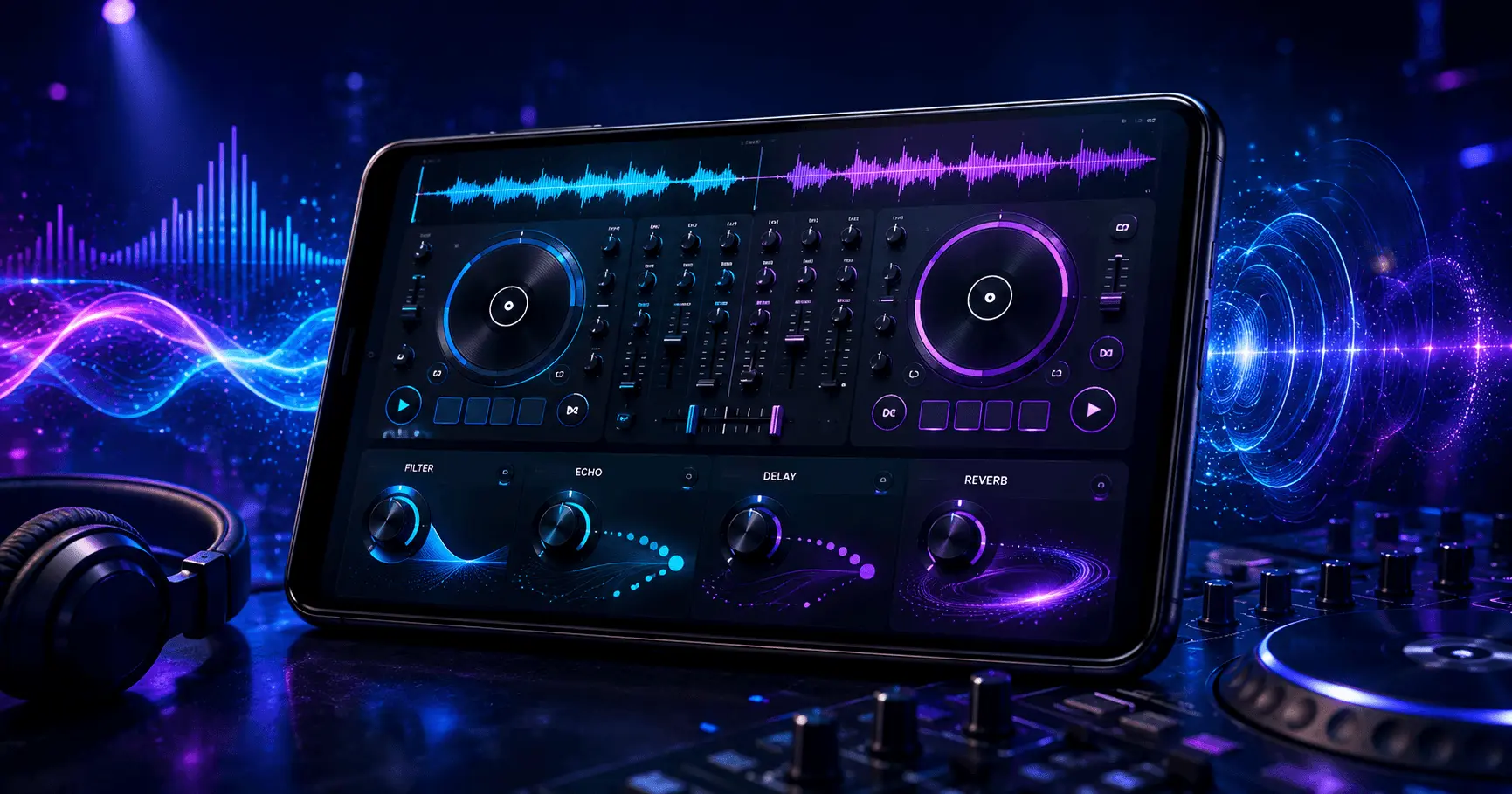
A good DJ mix is more than simply playing one song after another. Smooth transitions, controlled energy, and a balanced sound can make a mix feel much more professional. One of the easiest ways to add creativity and movement is by using audio effects.
Effects such as reverb, delay, filters, echo, flanger, and other processing tools can help DJs shape transitions, create atmosphere, and emphasize important moments in a track. When used carefully, they can make a mix more engaging without taking attention away from the music itself.
DJ Remix – Music – Mashup
Audio Guide
10–12 Minutes
Beginner
What Are Audio Effects in DJ Mixing?
Audio effects are processing tools that change the character, timing, tone, or atmosphere of a sound. In DJ software and music mixing applications, effects can usually be applied to an individual track, channel, or sometimes the master output.
Instead of changing the original song permanently, many DJ effects can be adjusted in real time. This gives DJs the flexibility to introduce an effect during a transition, remove it quickly, or gradually change its intensity.
The key is understanding that effects should support the mix rather than overwhelm it. A simple filter or short echo at the right moment can often be more effective than using several effects at maximum intensity.
Why Audio Effects Matter in DJ Mixes
Audio effects can add several useful layers to a DJ performance. They can make transitions feel smoother, create anticipation before a drop, and help separate different sections of a mix.
1. Smoother Transitions
Effects can help connect two tracks when a simple crossfade does not provide enough movement or atmosphere. A filter, echo, or controlled reverb can make the transition feel more intentional.
2. More Energy and Movement
Carefully timed effects can increase excitement around a build-up, transition, or drop without requiring changes to the original track.
3. Creative Sound Design
Effects give DJs additional creative control over how a song sounds during a live mix, making familiar tracks feel more dynamic.
4. Better Atmosphere
Reverb and delay can add space and depth, helping create an atmosphere that fits the mood of the transition or performance.
Popular Audio Effects for DJ Mixes
Different effects have different purposes. Learning what each one does makes it easier to choose the right effect instead of applying effects randomly.
Filter
A filter changes the frequency range that can be heard. DJs commonly use high-pass and low-pass filtering to gradually remove bass or higher frequencies during a transition.
Filters are especially useful when moving from one track to another because they can create a gradual change in the tonal character of the music.
Echo and Delay
Echo and delay repeat a sound after a short or controlled amount of time. These effects can be useful at the end of a vocal phrase or musical section, allowing the sound to continue naturally while the next track enters.
A carefully timed echo can also help create a cleaner transition when removing the original track from the mix.
Reverb
Reverb creates the impression of space around a sound. It can make a vocal, percussion hit, or transition feel wider and more atmospheric.
Because excessive reverb can make a mix sound washed out, it is usually better to increase it gradually and reduce it when the transition is complete.
Flanger
Flanger creates a sweeping, moving character by combining a sound with a time-delayed version of itself. It can add a noticeable sense of motion and works best when used as a deliberate creative accent.
Phaser
A phaser produces a moving tonal effect that can add texture to a section of a track. Like flanger, it can become very noticeable, so controlled settings are generally easier to blend into a DJ mix.
Beat-Synced Effects
Some DJ applications allow effects to synchronize with the track's rhythm. Beat-synced delay and related effects can help maintain musical timing while adding movement to a transition.
How Effects Can Improve a Transition
One of the most practical uses of audio effects is improving the transition between two songs. Instead of switching tracks abruptly, a DJ can use an effect to create a controlled connection between them.
- Start by keeping both tracks balanced and matched to the rhythm.
- Identify a suitable section of the outgoing track, such as the end of a phrase or vocal.
- Introduce a suitable effect at a moderate intensity.
- Gradually reduce or remove the outgoing track.
- Bring the incoming track forward and return the effect to a neutral level.
This approach keeps the effect connected to the musical structure instead of making it sound like an unrelated sound added on top.
How to Use Audio Effects Without Overdoing Them
Audio effects can make a DJ mix more exciting, but using too many effects at the same time can quickly make the sound confusing. The goal is to create movement while keeping the original music clear and enjoyable.
Start With Low Effect Intensity
Beginners often get better results by starting with a low effect level and increasing it gradually. This makes it easier to hear how the effect changes the track and prevents the mix from becoming unnecessarily aggressive.
If the effect is immediately obvious and dominates the music, reduce its intensity. A subtle effect can often produce a more professional result than a heavily processed sound.
Match Effects to the Music
The best effect depends on the style, tempo, arrangement, and moment of the song. A spacious reverb may work well with an atmospheric section, while a rhythmic delay can be useful during a vocal transition.
Avoid selecting an effect simply because it sounds impressive on its own. Consider whether it actually improves the section of the mix where you are applying it.
Use Effects During Transitions
Transitions are one of the safest places to experiment with audio effects. As the outgoing track is being reduced, an effect can help create a sense of movement before the incoming track becomes the focus.
For example, you might gradually apply a filter, add a short delay to the final vocal phrase, and then bring the next song into the mix. Once the new track is established, return the effect to a neutral setting.
Using Filters for Cleaner DJ Transitions
Filters are particularly useful because they can change the frequency balance without completely changing the rhythm of a track. This makes them practical for blending songs that contain strong bass or dense arrangements.
Low-Pass Filter
A low-pass filter reduces higher frequencies while allowing lower frequencies to remain. It can create a darker, more enclosed sound during a transition or build-up.
High-Pass Filter
A high-pass filter reduces lower frequencies while allowing higher frequencies to pass. It can be useful when removing bass from one track before introducing the bass of another.
Filter movement should generally be gradual. Sudden and extreme changes can sound unnatural unless they are intentionally used as a creative effect.
Using Echo and Delay for Track Changes
Echo and delay can be particularly effective when moving away from vocals, melodies, or other recognizable sounds. Repeating the final part of a phrase can help the outgoing track disappear more smoothly.
For a simple transition, select an appropriate phrase near the end of the outgoing section, apply a moderate delay, and reduce the track while the repeated sound continues. The incoming song can then become the main focus.
When available, beat-synchronized delay can help keep repetitions aligned with the musical timing. This is especially useful when working with rhythmic electronic or dance music.
Creating Atmosphere With Reverb
Reverb can give a DJ mix a sense of space. It can make a transition feel larger and can emphasize a vocal, percussion hit, or short musical phrase.
However, too much reverb can cause sounds to overlap and reduce clarity. Bass frequencies and busy arrangements are particularly vulnerable to becoming muddy when excessive processing is applied.
A practical approach is to use reverb as an accent rather than leaving it heavily active throughout an entire mix.
Combining Effects Carefully
Multiple effects can be combined, but each effect should have a clear purpose. For example, a filter can control the frequency content while a short delay adds movement to the end of a phrase.
Combining several strong effects at once can make it difficult to determine which effect is responsible for a problem in the mix. For beginners, using one primary effect at a time is often a simpler way to learn.
Keep the Original Music in Control
The most important part of a DJ mix is still the music itself. Effects should enhance the arrangement, not hide it. Vocals should remain understandable, bass should remain controlled, and the overall volume should stay consistent.
Before applying an effect, listen to what the track already provides. If the song already has a strong build-up or spacious breakdown, additional processing may not be necessary. Sometimes the cleanest transition is the most effective one.
Best Practices for Using Audio Effects in DJ Mixes
Getting better results from audio effects is mostly about timing, balance, and restraint. Once the basic effects become familiar, a few simple habits can make mixes sound cleaner and more controlled.
1. Use Effects With a Clear Purpose
Before activating an effect, decide what you want it to accomplish. It might be used to smooth a transition, emphasize a vocal phrase, create anticipation, or add atmosphere. Having a purpose prevents effects from becoming unnecessary decoration.
2. Avoid Excessive Processing
Strong effects can sound impressive for a short moment, but excessive processing can reduce clarity. Keep vocals, melodies, drums, and bass recognizable whenever possible.
3. Pay Attention to Timing
Effects usually sound more musical when they are introduced at suitable points in the arrangement. Phrase endings, breakdowns, build-ups, and transitions are common places where an effect can naturally fit.
4. Keep Volume Levels Consistent
An effect should not unexpectedly make the overall mix much louder. Listen carefully after applying processing and adjust the channel or effect level when necessary.
How Audio Effects Work With EQ and Mixing Controls
Audio effects work alongside other DJ controls such as EQ, volume faders, crossfaders, and filters. Understanding how these controls interact can help prevent a crowded or muddy mix.
For example, if two tracks contain strong low frequencies at the same time, adding reverb or delay without first managing the mix can make the transition less clear. Balancing the tracks before applying an effect gives the processing more room to work effectively.
A useful workflow is to establish a clean transition first and then add an effect as a creative layer. If the transition already sounds good without the effect, the effect should enhance it rather than become necessary to hide an imbalance.
Using Audio Effects on Android DJ Apps
Modern Android DJ and music-mixing applications can provide many of the same creative tools found in desktop-style mixing workflows. Depending on the application, users may have access to filters, echo, delay, reverb, beat controls, EQ, and other effects.
When mixing on a phone or tablet, touchscreen controls make it important to keep the workflow simple. Learn the location and behavior of the effects you use most often instead of trying to operate every available control at once.
For beginners, practicing one effect at a time is an effective way to understand how it changes a track. Once the basic controls feel comfortable, combinations can be introduced gradually.
Common Mistakes to Avoid
Using Every Effect Available
Having many effects does not mean every effect should be active. Choose only the processing that contributes to the moment.
Leaving Effects On Too Long
An effect that works well during a transition may become distracting if it continues through the entire next section.
Ignoring the Frequency Balance
Excessive low-frequency processing can make a mix muddy, while excessive high-frequency processing can make it sound harsh.
Practicing Only With Effects
A strong DJ transition should still work without heavy processing. Build your timing and mixing skills first, then use effects to add creativity.
Simple Audio Effect Workflow for Beginners
If you are new to DJ effects, the following workflow provides a straightforward way to practice:
- Choose two tracks with compatible rhythm and energy.
- Practice a clean transition without using any effects.
- Repeat the transition using a filter.
- Try a short echo or delay at the end of the outgoing phrase.
- Experiment with a small amount of reverb.
- Compare each version and identify which sounds most natural.
- Gradually experiment with combinations once the individual effects are familiar.
Frequently Asked Questions
Conclusion
Audio effects can add depth, movement, atmosphere, and creativity to DJ mixes when they are used with purpose. Filters can shape frequency balance, delay and echo can support transitions, while reverb can create space and atmosphere.
The most important skill is knowing when to use an effect and when to leave the music alone. Start with simple effects, keep their intensity under control, and practice them during natural transition points. With regular practice, audio effects can become a useful part of your DJ mixing workflow rather than a distraction.
Ready to Practice Your DJ Mixes?
Experiment with filters, echo, delay, and reverb in your Android DJ workflow and discover which effects best fit your mixing style.