DJ Remix – Music – Mashup
Beginner Guide
12 Minutes
Beginner
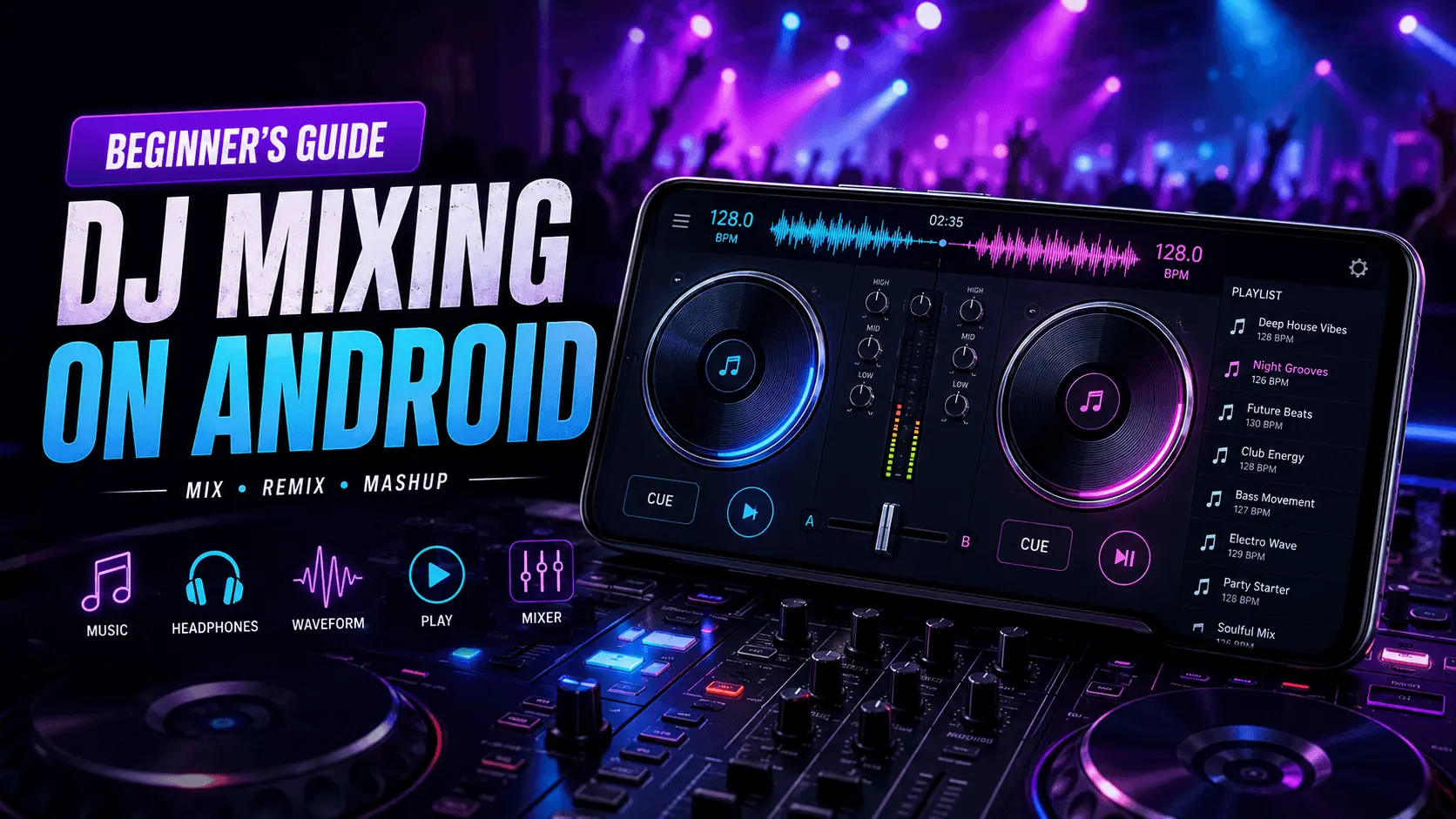
DJ mixing is no longer limited to expensive studio equipment or professional clubs. Modern Android devices have made it possible for anyone to learn the fundamentals of mixing music, experiment with playlists, and understand how DJs create smooth transitions between songs. Whether you're interested in mixing for fun, creating party playlists, or exploring music production as a hobby, learning the basics is the perfect place to start.
One of the biggest mistakes beginners make is trying to use advanced effects before understanding rhythm, tempo, and song structure. Professional DJs spend years mastering the fundamentals because these skills create seamless mixes regardless of the software or equipment being used.
This guide introduces the core concepts of DJ mixing in simple language. You'll learn how songs are structured, what BPM means, why beat matching matters, and how to prepare your first practice session using an Android DJ application.
- What Is DJ Mixing?
- Essential DJ Terminology
- Understanding Song Structure
- What Is BPM?
- Preparing Your First Mix
- Common Beginner Mistakes
- Frequently Asked Questions
What Is DJ Mixing?
DJ mixing is the process of combining two or more songs into a continuous listening experience. Instead of allowing one track to end completely before another begins, DJs gradually blend music together using tempo adjustments, equalizer controls, crossfaders, and timing techniques.
Good DJ mixing isn't about pressing play at the right moment. It's about understanding rhythm, recognizing musical patterns, and creating smooth transitions that keep listeners engaged. Even simple transitions can sound professional when the beats of two songs are properly aligned.
Focus on creating smooth transitions first. Advanced sound effects become much easier once you understand timing and rhythm.
Essential DJ Terms Every Beginner Should Know
Understanding basic terminology makes learning much easier. Most DJ applications use the same vocabulary, so becoming familiar with these terms will help you follow tutorials and improve more quickly.
| Term | Meaning |
|---|---|
| BPM | Beats Per Minute, indicating the speed of a song. |
| Beat | The regular pulse that listeners naturally follow. |
| Crossfader | Control used to move smoothly between two tracks. |
| Deck | A virtual player used for loading and playing a song. |
| Cue Point | A saved position where playback can instantly begin. |
Understanding Basic Song Structure
Most popular songs follow a predictable structure, making them easier to mix than many beginners expect. Learning where intros, verses, choruses, and outros occur helps DJs decide the best moment to transition between tracks.
Intro
Usually contains fewer instruments, making it easier to introduce another song.
Outro
Often provides the cleanest opportunity for transitioning into the next track.
What Is BPM and Why Is It Important?
BPM stands for Beats Per Minute and represents the speed of a song. Two tracks with similar BPM values are generally easier to mix because their rhythms naturally align. Understanding BPM is one of the first skills every beginner should develop before experimenting with advanced transitions.
Most Android DJ applications display BPM automatically, helping beginners compare tracks before mixing them. While perfect beat matching takes practice, simply choosing songs with similar tempos can significantly improve the quality of your first mixes.
Learn Beat Matching Before Using Effects
One of the most important DJ skills is beat matching. It simply means keeping the beats of two songs synchronized so the transition sounds smooth instead of sudden. While many modern DJ applications provide automatic synchronization tools, understanding the concept manually helps you become a better mixer.
Imagine two people walking together. If one walks much faster than the other, they quickly separate. Songs behave the same way. When tempos differ too much, the rhythm becomes messy and transitions feel uncomfortable. Matching beats keeps both tracks moving together.
Before experimenting with sound effects, loops or filters, spend time learning how to match song tempo naturally.
Understanding the Crossfader
The crossfader controls how much of each track is heard. Sliding it completely to one side plays only the first track, while moving it to the opposite side switches entirely to the second track. The middle position blends both songs together.
Left
Only Deck A is heard.
Center
Both songs play together for a smooth transition.
Right
Only Deck B is heard.
Build a Beginner-Friendly Playlist
Professional DJs rarely mix completely random songs. They prepare playlists where tracks share similar energy, tempo, and musical style. Doing the same as a beginner makes learning much easier.
| Playlist Type | Recommended Songs |
|---|---|
| Pop | Similar tempo and modern rhythm. |
| Bollywood | Songs with matching dance energy. |
| EDM | Tracks within a close BPM range. |
| Party Mix | Gradually increase energy instead of sudden jumps. |
Choose Songs That Mix Well Together
Some songs naturally blend better than others. Similar tempos, compatible musical styles, and clean intros or outros make transitions easier and sound more professional.
| Good Combination | Why It Works |
|---|---|
| 124 BPM → 126 BPM | Minimal tempo adjustment required. |
| Dance → Dance | Consistent musical energy. |
| Soft Intro → Vocal Track | Smooth transition without overcrowding. |
| Instrumental Outro → New Intro | Cleaner song change. |
A Simple Practice Routine for Beginners
Consistent practice is more valuable than trying advanced techniques immediately. Spending just a few minutes each day helps develop timing, rhythm recognition, and confidence.
- Select two songs with similar BPM.
- Listen to both tracks completely.
- Identify the intro and outro sections.
- Practice moving the crossfader slowly.
- Repeat the same transition several times.
- Record your mix and listen back.
- Identify one improvement for the next practice session.
Common Beginner Mixing Mistakes
Every DJ makes mistakes while learning. Recognizing these habits early makes improvement much faster.
- Mixing songs with very different BPM values.
- Moving the crossfader too quickly.
- Ignoring the song's intro and outro.
- Using too many sound effects.
- Changing volume suddenly.
- Skipping regular practice.
How to Improve Your DJ Mixing Skills
Every experienced DJ started as a beginner. Becoming comfortable with DJ mixing doesn't happen overnight—it comes from consistent practice and gradually learning one skill at a time. Rather than trying to master every feature immediately, focus on building a strong foundation before experimenting with advanced techniques.
Start by practicing transitions between only two songs. Once you can create smooth mixes consistently, begin exploring equalizer adjustments, looping, cue points, and simple audio effects. Improving step by step helps develop confidence while avoiding frustration.
Week 1
Learn BPM, beats, song structure, and crossfader control.
Week 2
Practice transitions using songs with similar tempo.
Week 3+
Begin experimenting with EQ adjustments and simple effects.
Beginner Learning Roadmap
| Stage | Primary Goal |
|---|---|
| Beginner | Understand BPM, beats and song structure. |
| Intermediate | Create smooth transitions between similar songs. |
| Advanced Beginner | Use EQ, loops and cue points confidently. |
| Experienced | Create longer mixes with consistent energy. |
Conclusion
Learning DJ mixing on Android is an enjoyable way to understand rhythm, music structure, and creative transitions without requiring expensive professional equipment. By focusing on the fundamentals—such as BPM, beat matching, playlist preparation, and smooth crossfader control—you can build the skills needed to create enjoyable mixes over time.
Remember that progress comes through regular practice rather than complicated techniques. Start with simple transitions, listen carefully to your mixes, and improve one skill at a time. As your confidence grows, you'll naturally become more comfortable exploring additional mixing features and developing your own creative style.
Frequently Asked Questions
Start Your DJ Mixing Journey
Practice beat matching, smooth transitions, and playlist creation with an intuitive Android DJ mixing experience designed for beginners and music enthusiasts.