Shradhanjali Card Maker – Create Meaningful Tribute Cards

Create meaningful Shradhanjali, condolence, memorial, tribute, Besnu, and Punyatithi cards with photos, personal details, messages, and respectful designs using Shradhanjali Card Maker for Android.
About Shradhanjali Card Maker
Shradhanjali Card Maker is an Android application designed to help users create meaningful remembrance, condolence, memorial, and tribute cards directly from their smartphones. The app provides convenient tools for preparing personalized cards for important remembrance occasions.
Users can select a suitable design, add a memorable photograph, enter personal details, and create a respectful card according to their needs. Supported customization options can include names, dates, family information, prayer details, messages, backgrounds, frames, and other memorial design elements.
The application is designed to make card creation easier when users need to prepare and share remembrance information with family members, relatives, and friends. Instead of depending on desktop design software, users can create supported cards directly from an Android device.
Shradhanjali Card Maker also provides options to save, edit, download, and share completed cards. Depending on the selected design and available features, users can also create a remembrance video using photos and suitable audio.
Create Different Types of Tribute Cards
Shradhanjali Cards
Create a respectful Shradhanjali card to remember and honor a loved one with personal details, photographs, and meaningful messages.
Condolence Cards
Prepare a thoughtful condolence card with supported information and messages for sharing with family, relatives, and friends.
Besnu & Besna Cards
Create supported Besnu or Besna cards with important ceremony information and personal details.
Punyatithi Cards
Prepare remembrance cards for Punyatithi and other supported memorial occasions.
Memorial Cards
Create a personalized memorial card to preserve memories and share important remembrance information.
Tribute & RIP Cards
Create supported tribute or RIP cards with photographs, personal details, and meaningful messages.
Key Features
Easy Card Creation
Create supported remembrance and tribute cards using a simple Android-friendly card creation experience.
Add Photos
Select a memorable photo from your device and personalize the supported card design.
Photo Cropping & Adjustment
Adjust and crop selected photos using the available touch controls before adding them to your card.
Photo Frames
Choose from available photo frame options to create a more personalized remembrance design.
Background Designs
Personalize your card using supported background designs and background colors.
Candle & Memorial Elements
Add supported candle and memorial elements to create a respectful tribute design.
Personalized Messages
Add Shradhanjali messages, condolence messages, prayer messages, or personal tribute text according to the selected design.
Personal Details
Add supported information such as name, dates, village, city, district, family details, and other relevant information.
Save & Edit
Save created cards and edit supported designs when changes are needed.
Download & Share
Download completed cards to your device and share them using available sharing options.
Tribute Video Creation
Create a digital remembrance video using selected photos and suitable audio where supported by the application.
Why Choose Shradhanjali Card Maker?
Creating a remembrance card can be difficult during sensitive moments, especially when important information needs to be prepared and shared quickly. Shradhanjali Card Maker provides convenient tools that allow users to create supported tribute and remembrance cards directly from an Android device.
The application combines ready-made designs with personalization options, allowing users to add photographs, names, dates, messages, family information, and other supported details. Users can review their design before saving or sharing the completed card.
With options for card customization, saving, editing, downloading, sharing, and supported tribute-video creation, the application provides a practical way to prepare digital remembrance content for family, relatives, and friends.
How to Create a Shradhanjali Card on Android
1. Choose a Card Design
Open Shradhanjali Card Maker and choose the supported card type and design that matches your occasion.
2. Add a Photo
Select a suitable photograph from your Android device and use the available photo controls to adjust it.
3. Enter Personal Details
Add the required name, dates, family information, location, prayer information, or other supported details.
4. Add a Message
Add a suitable Shradhanjali, condolence, prayer, or tribute message to personalize the card.
5. Customize the Design
Select available frames, backgrounds, colors, candle elements, and other supported design options.
6. Preview the Card
Review the completed design and check the personal information before saving or sharing it.
7. Save, Download or Share
Save or download the completed card and share it with family, relatives, and friends using the available sharing options.
Application Screenshots
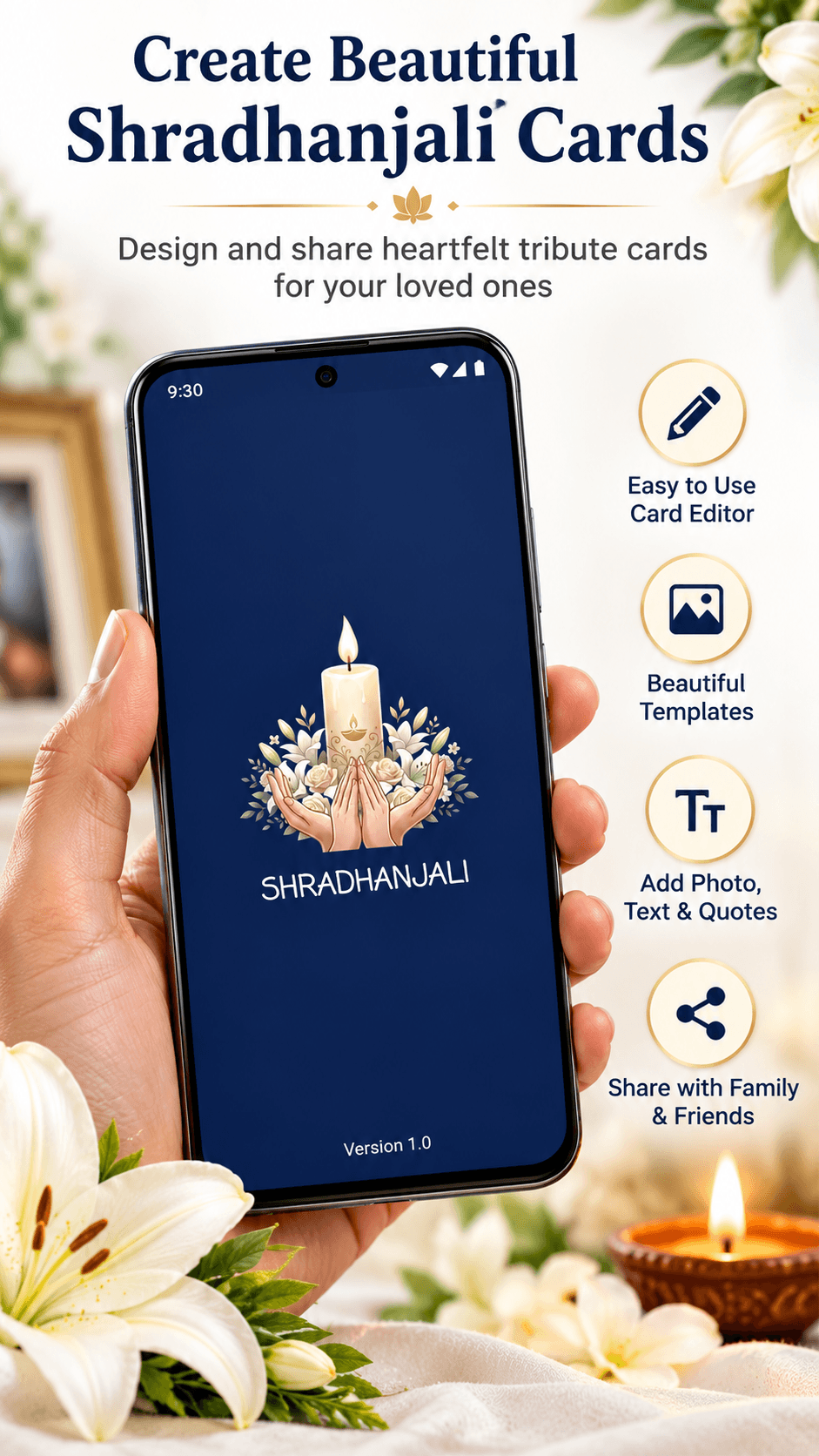
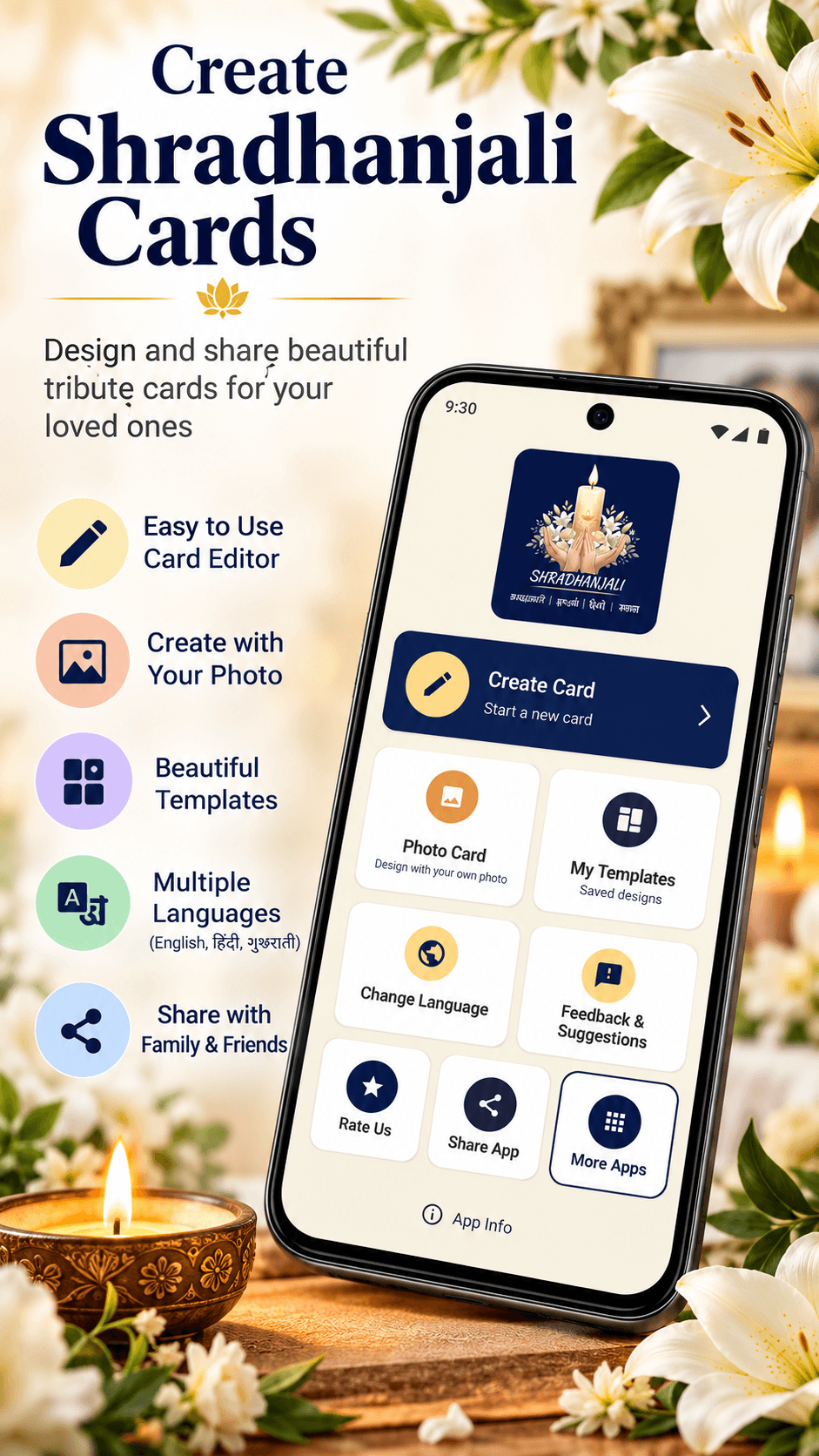
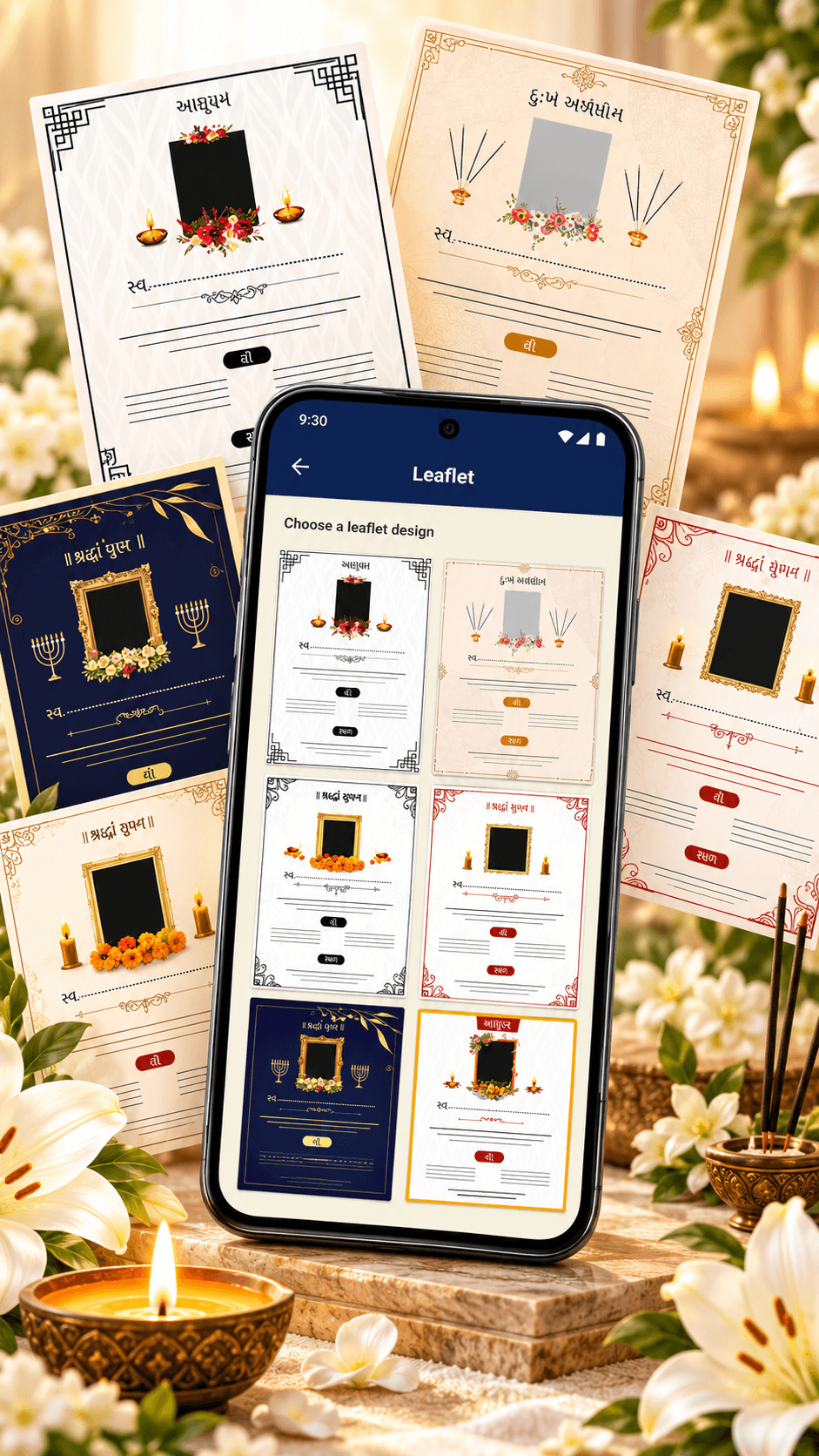
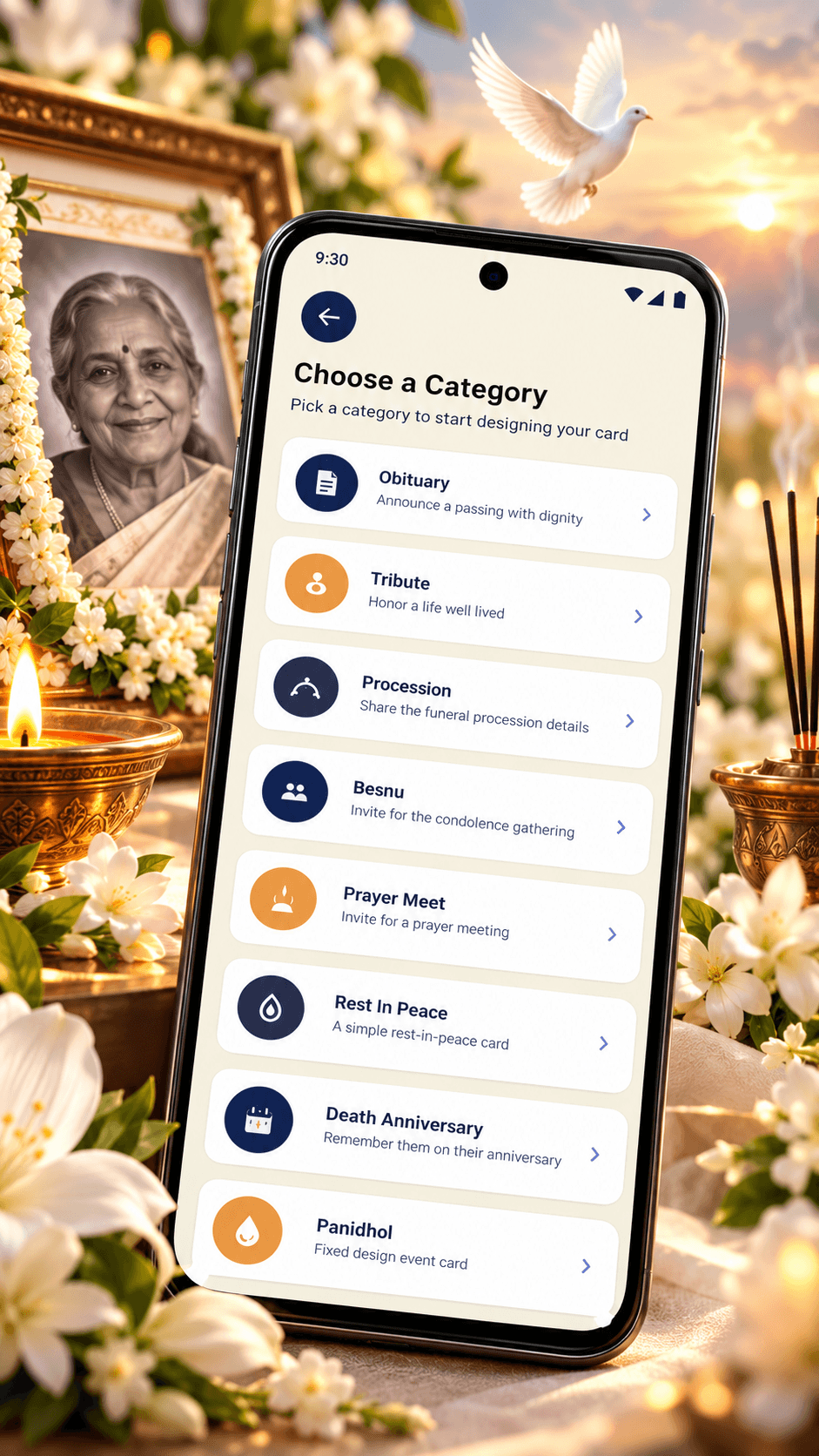
Take a closer look at Shradhanjali Card Maker and explore the card creation, personalization, editing, and sharing experience on Android devices.
Why Users Choose Shradhanjali Card Maker
- ✔ Easy Card Creation
- ✔ Personal Photo & Text
- ✔ Multiple Card Designs
- ✔ Easy Sharing
Who Can Benefit From This App?
Anyone who needs a convenient way to create and share supported remembrance, condolence, and tribute cards from an Android phone.
- ✔ Families
- ✔ Relatives
- ✔ Friends
- ✔ Community Members
Frequently Asked Questions
Latest Guides & Tutorials
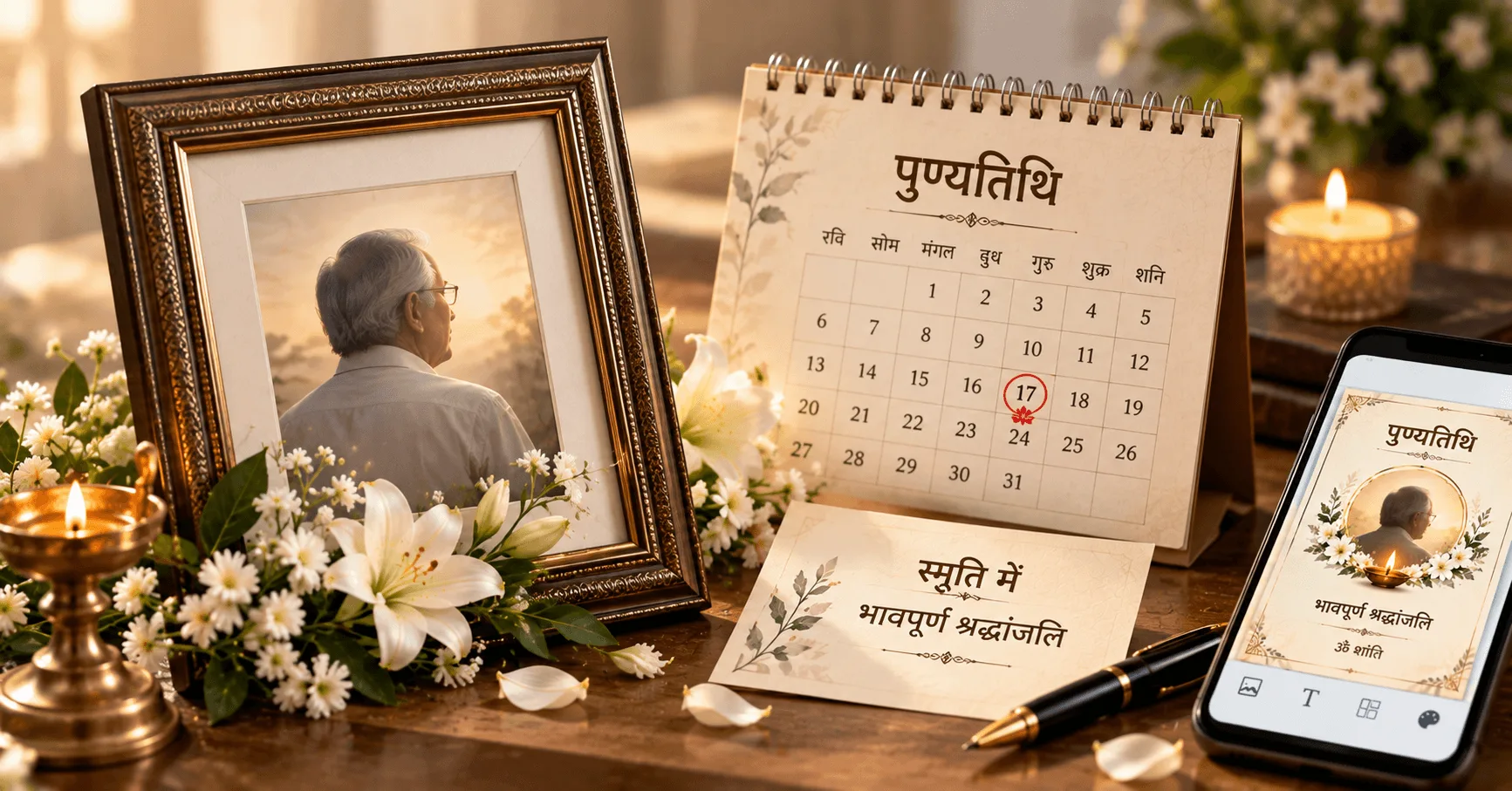
How to Make a Punyatithi Card for Death Anniversary
Learn how to make a respectful Punyatithi card for a death anniversary with a photo, remembrance message, important dates and ceremony details. Create a meaningful Punyatithi card on Android.
Read More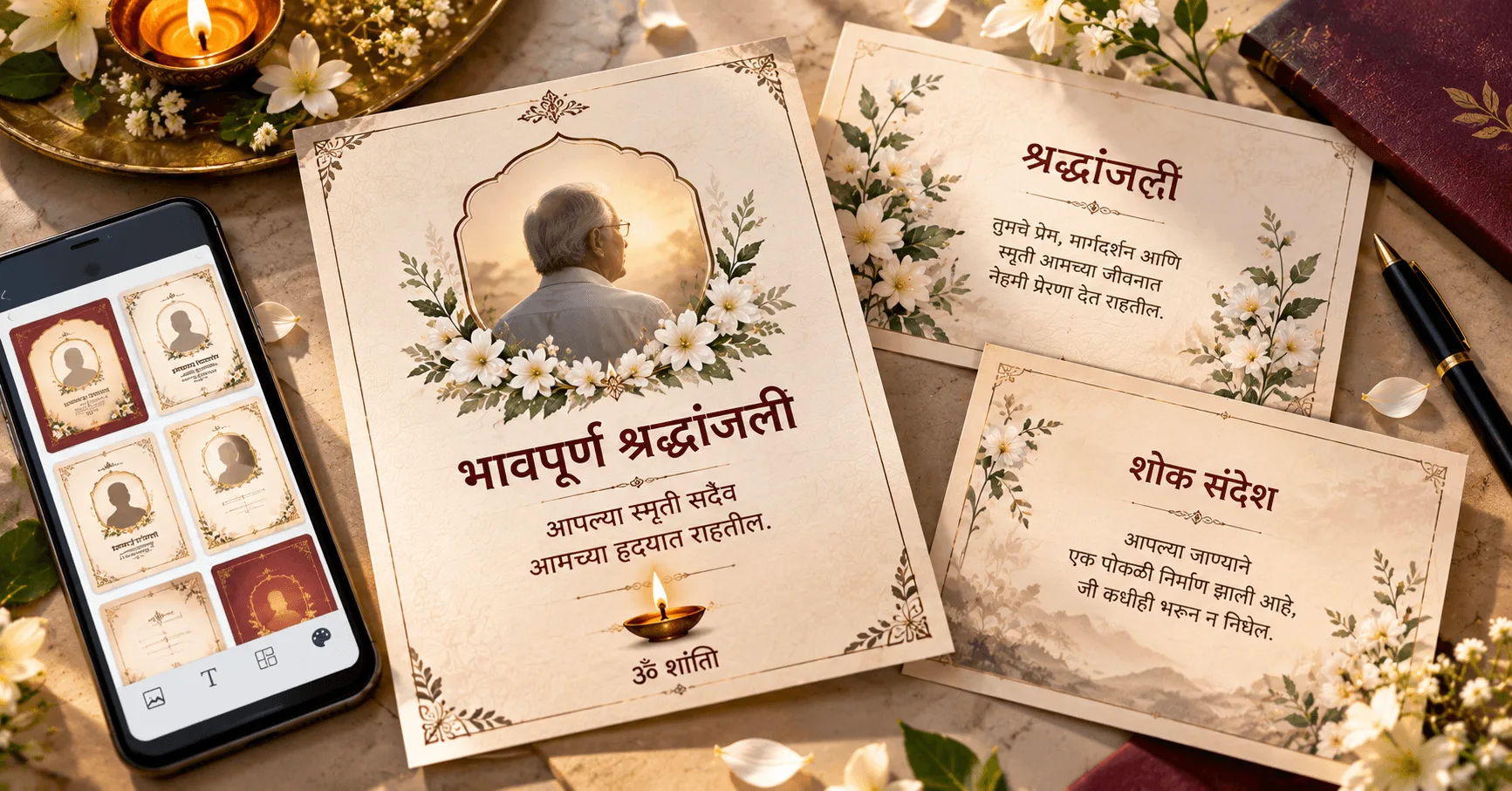
Best Marathi Shradhanjali and Condolence Card Ideas
Explore the best Marathi Shradhanjali and condolence card ideas with respectful designs, heartfelt Marathi messages, photo layouts and ceremony details. Learn how to create a meaningful memorial card on Android.
Read More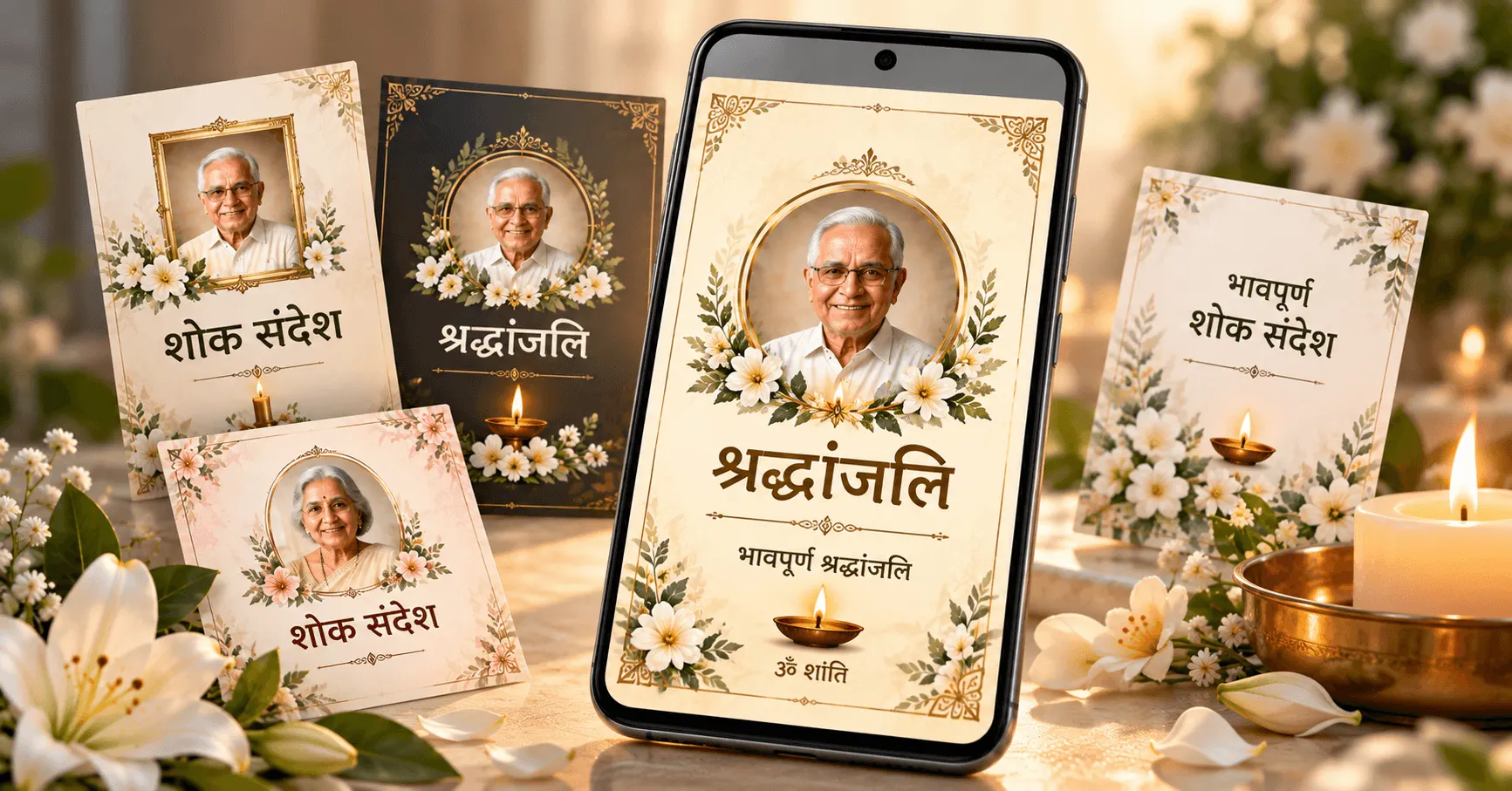
Best Hindi Shradhanjali Card Designs and Shok Sandesh Messages
Discover the best Hindi Shradhanjali card designs and heartfelt Shok Sandesh messages. Learn how to create a respectful Hindi condolence card with a photo, tribute message and ceremony details.
Read More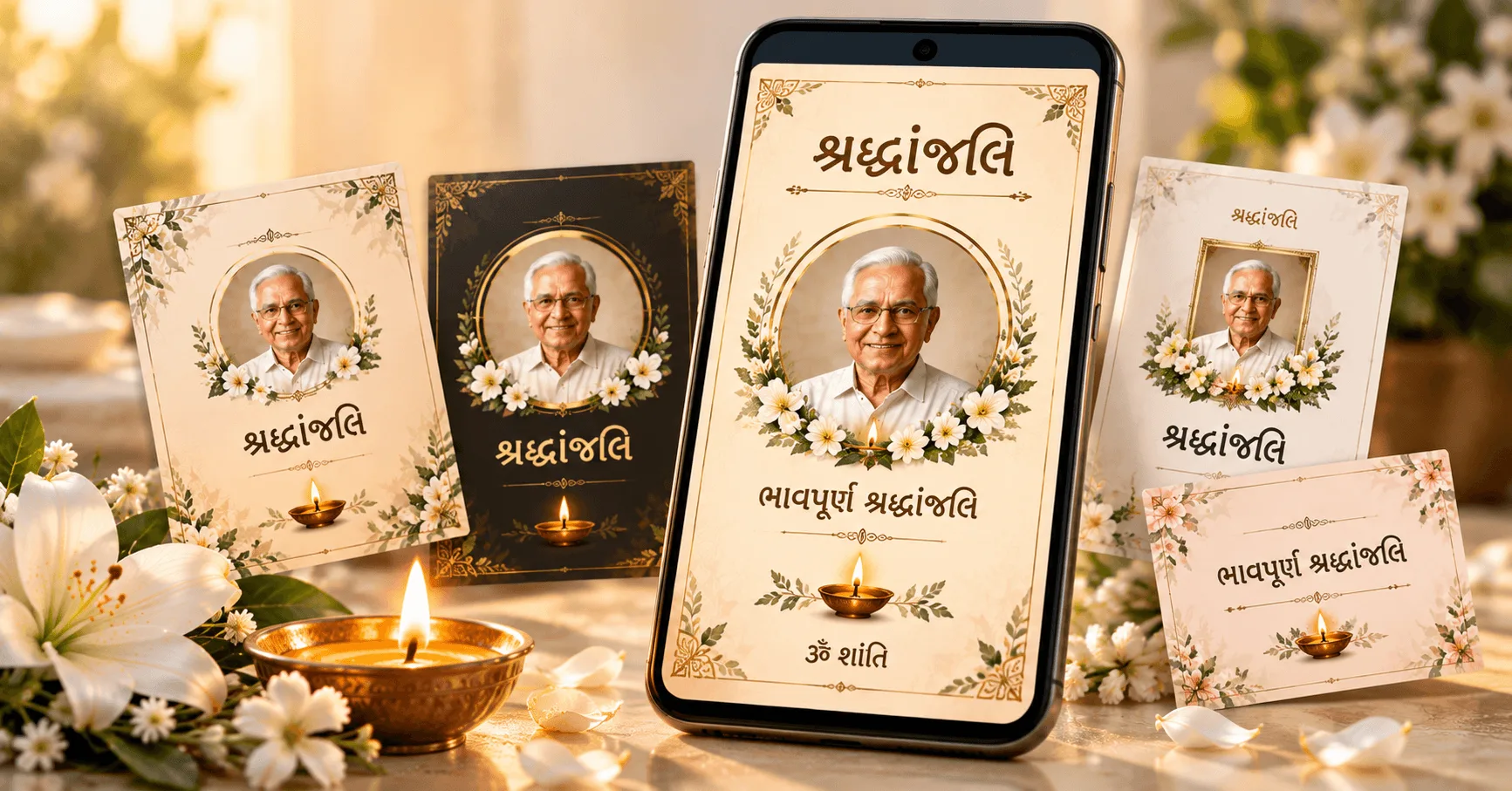
Best Gujarati Shradhanjali Card Designs and Messages
Explore the best Gujarati Shradhanjali card designs and heartfelt messages. Learn how to create a respectful Gujarati Shradhanjali card with a photo, tribute message and ceremony details.
Read More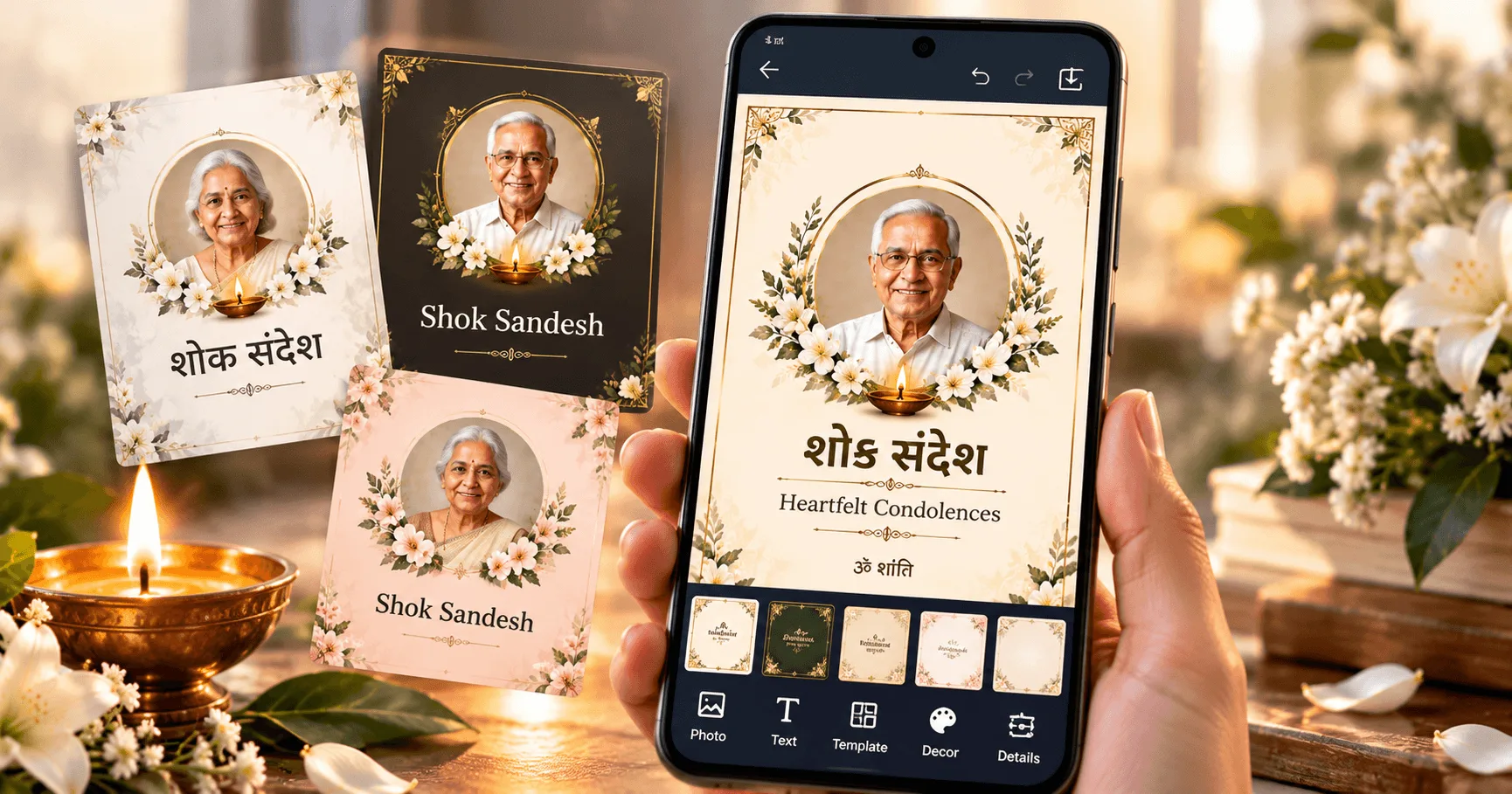
How to Make a Shok Sandesh Card on Your Mobile
Learn how to make a respectful Shok Sandesh card on your mobile with a photo, condolence message, family details, ceremony information and location.
Read More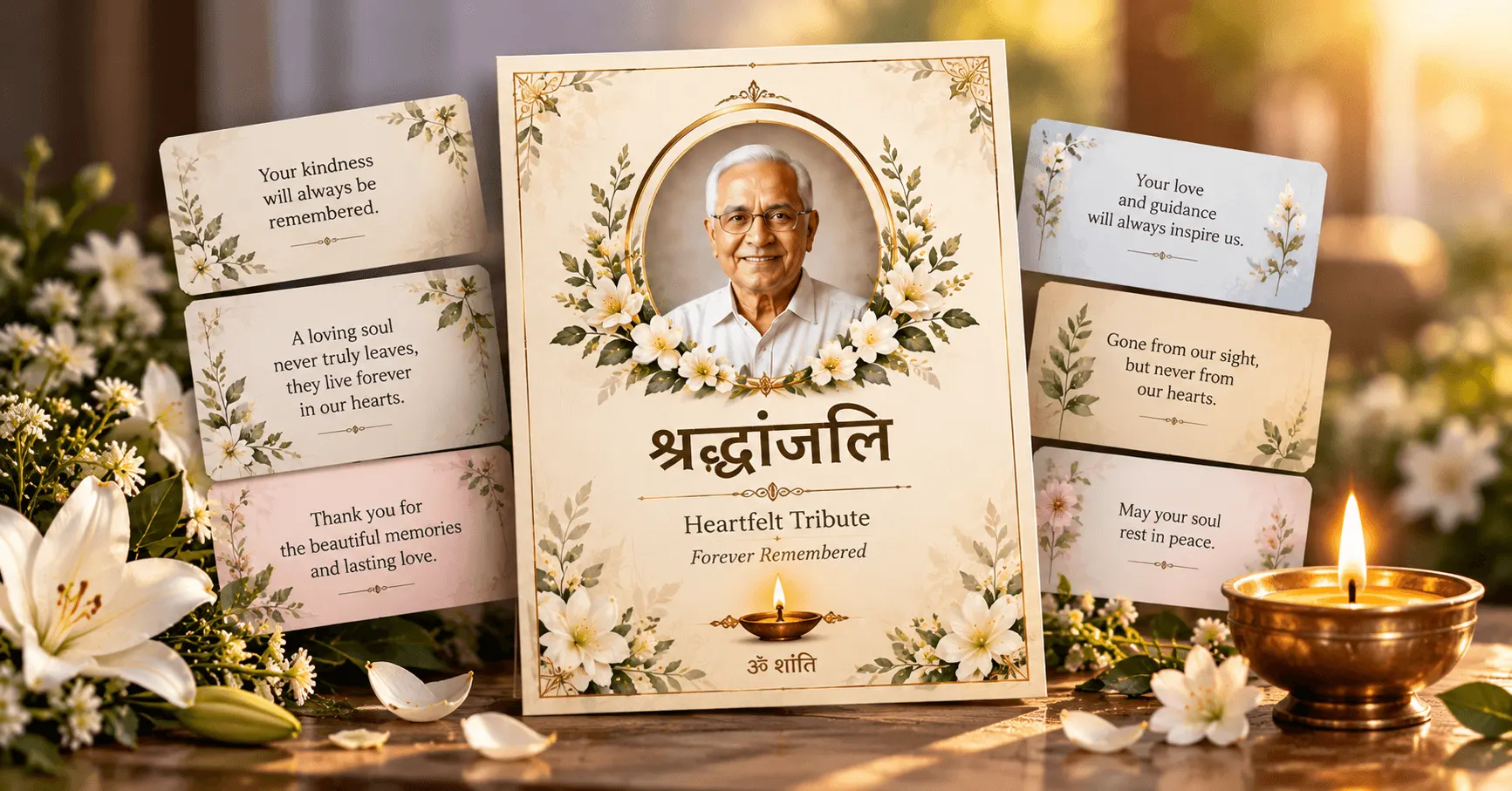
50 Heartfelt Shradhanjali Messages for a Loved One
Find 50 heartfelt Shradhanjali messages for a loved one, including short, emotional, respectful and multilingual tribute messages for cards and WhatsApp.
Read MoreCreate a Meaningful Shradhanjali Card
Create a respectful remembrance or tribute card directly from your Android phone. Choose a supported design, personalize it with photos and meaningful details, and save or share your completed card with family and friends.
Newsletter
Stay Updated with SociAppSubscribe to receive news about new Android applications, feature improvements, helpful guides, and exclusive announcements from SociApp.